AI in libraries is making some tasks quicker and less repetitive. However, even with these advances, there’s something irreplaceable about a librarian’s judgment and care. The real question isn’t whether AI will take over libraries, it’s how both AI and librarians can work side by side.
How AI Helps in Libraries
According to Clarivate Pulse of the Library 2025 survey, among 2,000 academic library professionals globally, many said they don’t have enough time or budget to learn new tools or skills, a challenge made even harder as global digital content is projected to double every two years.
Here’s where AI tools for librarians prove useful:
Cataloguing: AI can scan metadata and suggest subject tags in minutes.
Search: Smarter search systems help students and researchers find relevant materials without digging through dozens of irrelevant results.
Day-to-day tasks: Think overdue notices, compiling basic reading lists, or identifying key sources and trends to support literature reviews. This is where library automation with AI comes in handy.
Instead of replacing people, these tools free up time. A librarian who doesn’t have to spend hours sorting through data can focus on supporting students, curating collections, analysing usage statistics to make informed decisions or tracking resource usage against budgets.
Where Human Expertise Still Matters
AI is fast, but it’s not thoughtful. A student asking, “I’m researching migration patterns in 19th-century Europe, where do I start?” gets much more from a librarian than from a search algorithm. Librarians bring context, empathy, and critical thinking that machines can’t replicate.
This is why human-AI collaboration in libraries makes sense. AI takes care of the routine. Humans bring the nuance. Together, they cover ground neither could manage alone.
Finding the Balance
So how do libraries get this balance right? A few ideas:
Think of AI as a helper – not a replacement for staff.
Invest in training – librarians need to feel confident using AI tools and knowing when not to rely on them.
Keep the focus on people – the goal isn’t efficiency for its own sake, it’s about better service for students, researchers, and communities.
Final Thoughts
By using AI to handle routine administrative tasks like cataloguing, managing records, or tracking resource usage, librarians free up time to focus on the part of the job that drew them to this profession in the first place: supporting researchers and students, curating meaningful collections, and fostering learning. Combining the efficiency of AI in libraries with the expertise of librarians creates a future where technology supports the human side of education.
Libraries have always been at the centre of knowledge in higher education. Beyond curating collections, librarians guide researchers and students through complex databases, teach research skills, and help faculty navigate publishing requirements. They also play a key role in managing institutional resources, preserving archives, and ensuring equitable access to information. These days, libraries are facing new challenges: huge amounts of digital content, tighter budgets, and more demand for remote access. In this environment, AI in higher education is starting to make a real difference.
How AI Makes Life Easier for Librarians
Improving Discovery
AI-powered search tools don’t just look for keywords, they can understand the context of a query. That means students and researchers can find related work they might otherwise miss. It’s like having an extra set of eyes to point them toward useful sources.
Helping with Curation
AI can go through thousands of articles and highlight the ones most relevant to a specific course, project, or research topic. For example, a librarian preparing a reading list for a history class can save hours by letting AI suggest the most relevant papers or reports.
Supporting Remote Access
Students, researchers and faculty aren’t always on campus. AI can summarise long articles, translate content, or adjust resources for different reading levels. This makes it easier for people to get the information they need, even from home.
Working Within Budgets
Subscriptions remain a major expense for libraries, and ongoing budget cuts are forcing many academic institutions to make difficult choices about which resources to keep or cancel. For example, recent surveys show that around 73% of UK higher education libraries are making budget cuts this year, sometimes slashing up to 30% of their overall budgets, and collectively spending £51 million less than the previous year. This trend is not limited to the UK, universities in the U.S. and elsewhere are also reducing library funding, which has dropped by nearly 20% per student over recent years. Even top institutions like Princeton have cut library hours and student staffing to save on costs.
Subscriptions can be expensive, and libraries often have to make tough choices. AI tools that work across large collections help libraries give students and researchers more access without adding extra subscriptions.
Trusted Content Still Matters
AI is helpful, but the resources behind it are just as important. Librarians care about trusted, peer-reviewed, and varied sources.
Librarians and AI: A Partnership
AI isn’t replacing librarians. Instead, it supports the work they already do. Librarians are the ones who guide researchers, check the quality of sources, and teach information skills. By using AI tools, librarians can make research easier for students, researchers and faculty, and they can help their institutions make the most of the resources they have.
Final Thoughts
AI in higher education is making it easier for libraries to support students and faculty, but librarians are still at the centre of the process. By using AI tools alongside strong content collections, libraries can save time, offer more resources, and help researchers find exactly what they need. With the right AI support, research becomes easier to navigate and more accessible without overcomplicating the process.
AI productivity tools are digital platforms that use artificial intelligence to help researchers work more efficiently. Unlike traditional software, these tools use algorithms and machine learning to automate routine tasks, process large amounts of information, and generate insights.
Traditional productivity apps rely on manual input. AI-powered tools can learn from user habits, interpret natural language, and offer smart suggestions. For researchers, this means tasks like transcription, organisation, and project management happen faster with less effort.
The benefits of AI-powered productivity tools for students to enhance academic workflows include:
Time efficiency: Automated transcription and summarisation
Accuracy: Reduced manual errors in data processing
Organisation: Smart categorisation of notes, tasks, and references
Collaboration: Real-time sharing and editing of documents and projects
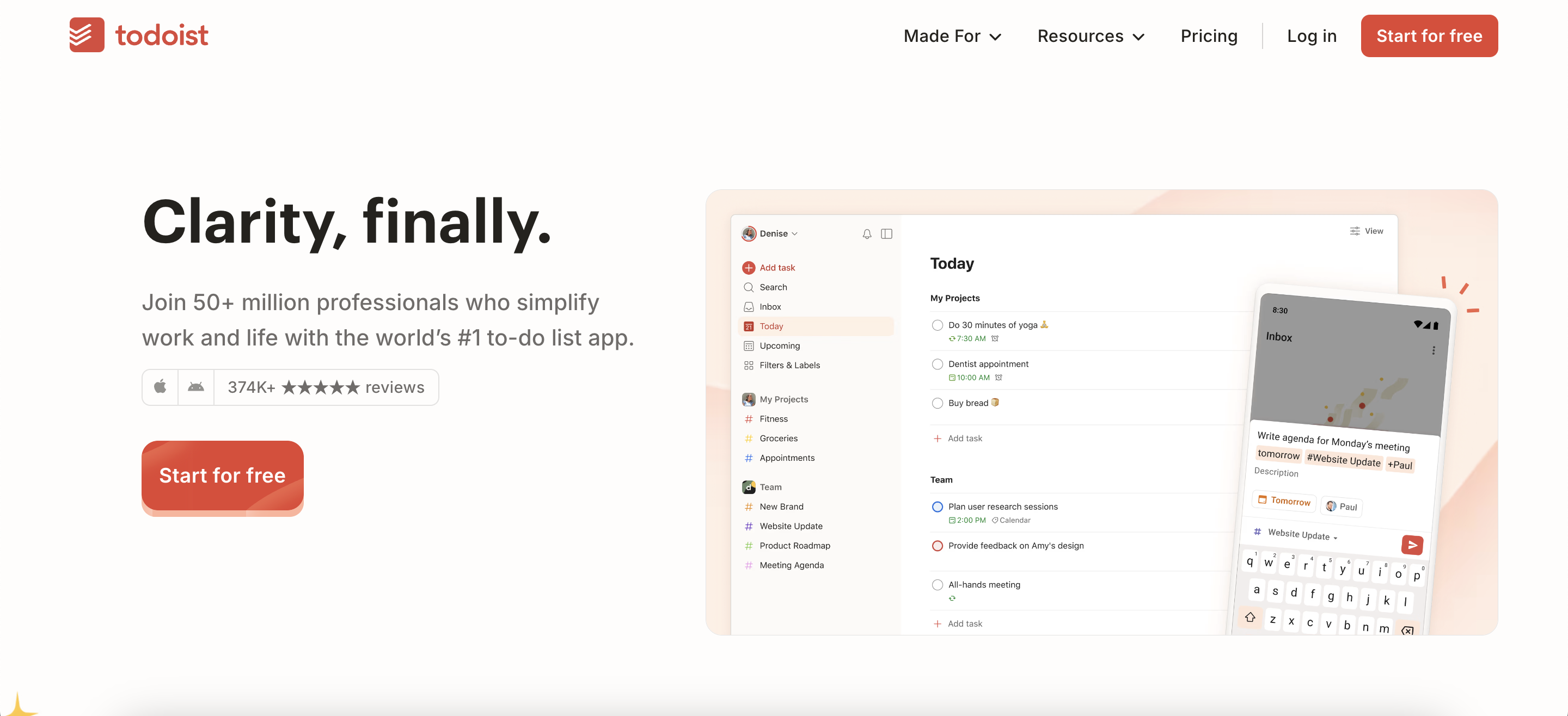
Quick comparison of Otter.AI, Bit.ai, Notion, and Todoist
AI productivity tools offer different features for research, writing, collaboration, and task management. Understanding which tool handles which function helps you choose the right combination.
Tool
Transcription
Document Collaboration
Task Management
Knowledge Organization
Otter.AI
Yes
Limited (shared notes)
No
Keyword search, highlights
Bit.ai
No
Yes
Limited
Centralized workspace
Notion
No
Yes
Yes
Databases, linked notes
Todoist
No
Limited (shared tasks)
Yes
Project lists
Each tool provides a free version, making them accessible to students and researchers who want to try basic features. Advanced features for collaboration, automation, and AI-powered suggestions are available in paid plans.
Best-fit scenarios for each tool:
Otter.AI: Recording and transcribing interviews, lectures, or meetings
Bit.ai: Collaborative writing, team documentation, and organising research materials
Notion: Managing literature reviews, creating structured research databases, and planning projects
Todoist: Tracking deadlines, managing tasks for long-term research projects
Where Otter.AI fits in the research workflow
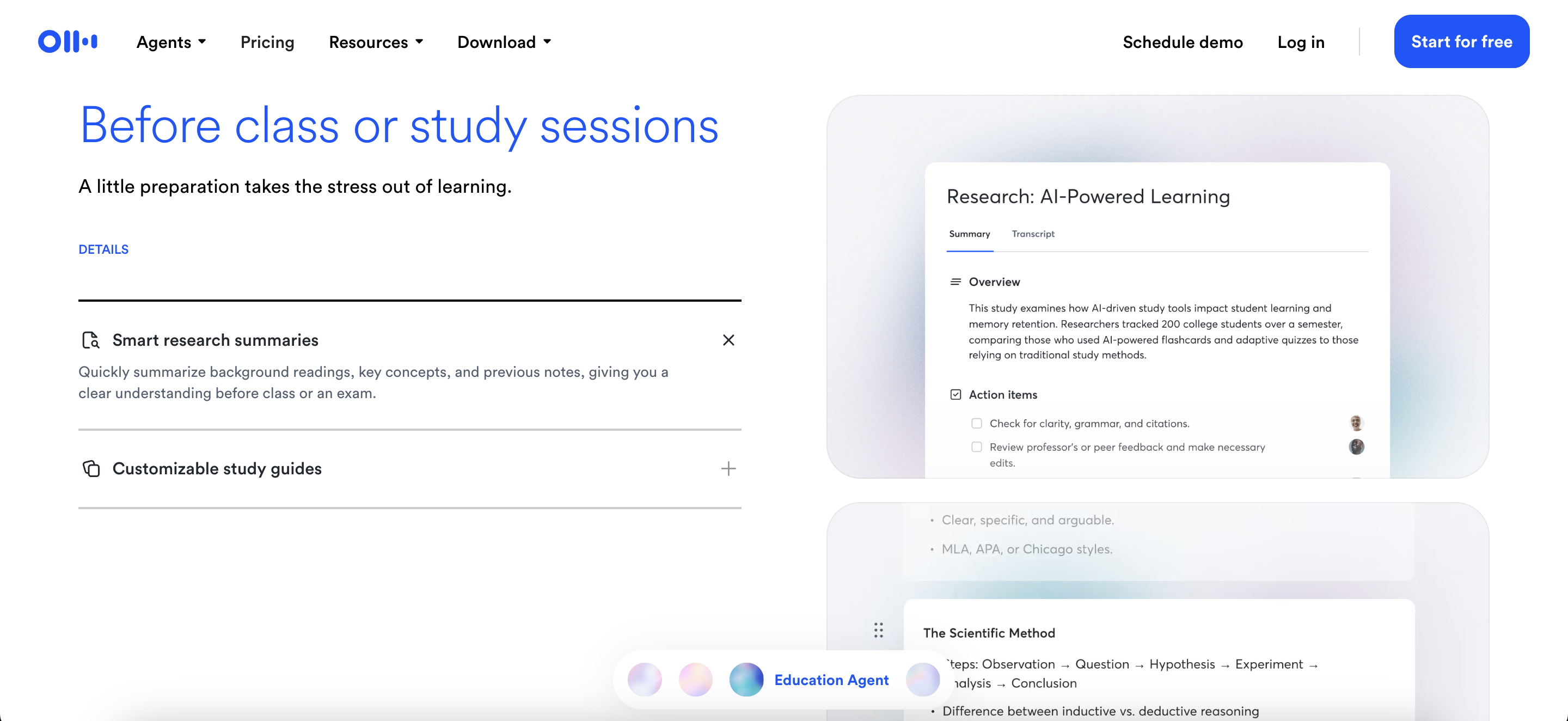
Otter.AI uses speech-to-text technology to convert spoken words into written text. In research, it captures and documents conversations, meetings, interviews, and lectures automatically. The tool processes audio in real time and generates a digital transcript that can be reviewed and edited after the session.
The platform provides real-time transcription, converting speech into text as it happens. This works during interviews or classroom lectures, recording and transcribing spoken content simultaneously. The tool identifies and labels different speakers, helping track who is talking in group settings. Transcription accuracy depends on audio quality, background noise, and speaker clarity.
Once a transcript is created, it becomes a searchable text document. You can search for specific phrases, topics, or keywords within the transcript to locate information quickly. The platform highlights keywords or important sections, making it easier to analyse large volumes of qualitative data. This searchable database supports reviewing, coding, and referencing spoken information during research analysis.
How Bit.ai streamlines collaborative writing
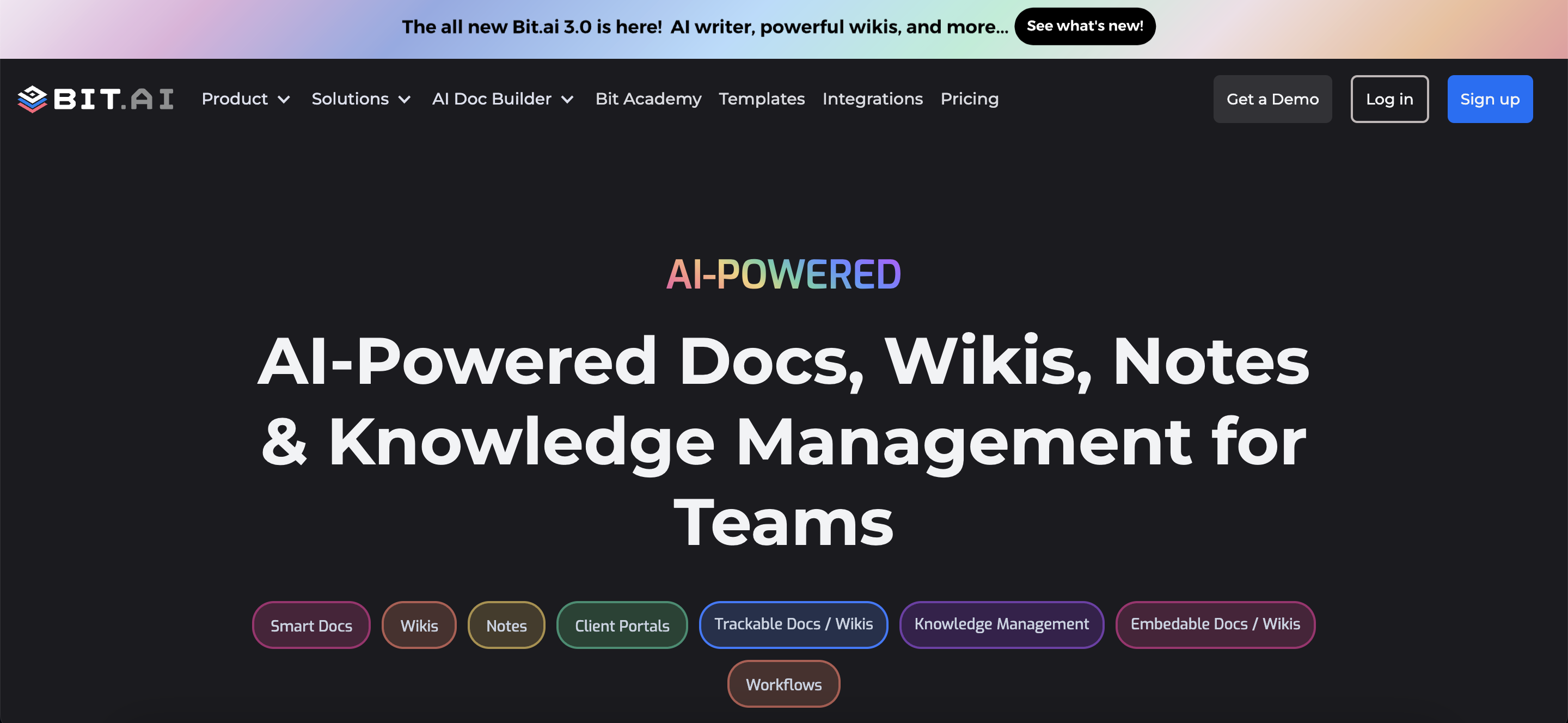
Bit.ai is a document collaboration platform that uses AI to help research teams and co-authors work together on academic projects. It creates a single online space for groups to create, edit, and organise research documents.
The platform allows users to embed rich media such as images, videos, and interactive charts directly into documents. So as a team, you can edit the same document simultaneously, and changes appear instantly for everyone. AI features suggest content improvements, recommend citations, and help organise ideas as users write.
Bit.ai provides a centralised workspace where teams can store and arrange research materials, references, and notes. Users create folders for different projects or topics, making it easier to locate specific files and information. All team members can access shared resources and contribute to the collective knowledge base.
Managing projects and deadlines with Todoist AI
Todoist AI handles project management for research workflows that include multiple deadlines, contributors, and project phases. The platform helps with planning and tracking ongoing or long-term academic projects, such as group research papers, lab work, or thesis development.
The AI task management tools use AI to rank tasks according to their deadlines, dependencies, and importance within each stage of a research project. The system analyses which tasks are most urgent, identifies which activities rely on others being completed first, and adjusts priorities as new information is added or project phases change.
Smart scheduling features include intelligent allocation of time blocks for each task based on deadlines and workload. The platform generates automated reminders for important milestones, such as draft submissions, experiment dates, or meetings. When timeline changes occur, Todoist AI updates the schedule and sends notifications to keep team members aware of upcoming deadlines.
Organising knowledge bases in Notion AI
Notion AI combines note-taking, databases, and task management in one platform. Researchers use Notion AI to organise articles, research notes, and project documents in a single, structured environment. This tool supports literature management and research organisation for individuals and teams.
The AI processes and summarises text from research notes, meeting minutes, or uploaded literature. It generates concise overviews of long passages and extracts main ideas from academic content. The system answers user questions by searching through stored notes and documents, providing relevant information based on previous entries.
Notion AI offers database templates designed for academic workflows:
Literature review templates: Fields for citation details, summaries, and key findings
Data collection templates: Record variables, sources, and results
Research planning templates: Structure timelines, objectives, and progress trackers
Each template can be customised to meet the requirements of a specific research process.
Integrating tools with reference managers and libraries
Best AI tools for students often work together with reference managers and digital research libraries. This setup helps researchers organise sources and manage citations more efficiently. Many tools support direct or indirect connections to widely used academic platforms.
Zotero and Mendeley are reference management systems that collect, organise, and cite academic sources. Both platforms have integration options with AI productivity tools. Some document collaboration platforms and note-taking apps allow users to export references in formats compatible with these reference managers. Browser plugins and word processor add-ons let users insert citations and bibliographies into research documents.
Zendy’s AI-powered research library works alongside productivity and reference management tools. Users can discover and access full-text articles through Zendy, then export citations to reference managers. Zendy’s platform supports AI summarisation, key phrase highlighting, and organised reading lists, which streamline literature reviews and project planning. When used with collaborative writing or task management tools, Zendy provides a central source for reliable academic content and citation data.
Choosing the right tool mix for your research
Selecting AI productivity tools for students and research involves matching tool features to specific project requirements. The best combination depends on research objectives, group size, and preferred working methods. Each tool offers different functions, so understanding your workflow is the first step.
Assessment criteria include research type, collaboration needs, and technical requirements. Qualitative research involving interviews and discussions often uses transcription tools like Otter.AI, while quantitative projects may focus on organisation and project management. Research conducted in teams benefits from document collaboration platforms that support shared editing and centralised knowledge.
Technical requirements include compatibility with institutional systems, device support, integration with reference managers, and data privacy standards. Consider whether the tool works on preferred devices and integrates with other software used for citations or data storage.
Many AI productivity tools offer free versions with core features suitable for individual students or small projects. Larger teams or advanced projects may use paid plans that unlock collaboration, automation, or additional storage. Institutional licenses sometimes provide access to premium features at no individual cost.
Implementation tips for secure compliant use
Academic and institutional environments require careful management of data privacy and security when using AI productivity tools. Each tool interacts with research data differently, so understanding how information is handled protects both individual and institutional interests.
GDPR compliance applies to any tool that processes or stores personal information of individuals in the European Union. Institutional data policies often include guidelines on where research data may be stored, who can access it, and how long it can be retained. Secure handling involves using encrypted connections, selecting tools with end-to-end encryption, and ensuring sensitive files are shared only within approved platforms.
Introducing AI tools to research teams involves several steps:
Testing phase: Select a small group to test the tool and provide feedback
Documentation: Create clear guidelines for using tools within research workflows
Training: Help team members understand secure and responsible usage
Role establishment: Set up administrators, data managers, and regular users
Regular reviews: Assess whether tools continue to meet privacy requirements
Discover Zendy for limitless research access
Zendy, AI AI-powered research library, acts as a central research hub that connects with AI productivity tools used in academic work. The platform provides access to scholarly articles, journals, and academic resources across disciplines.
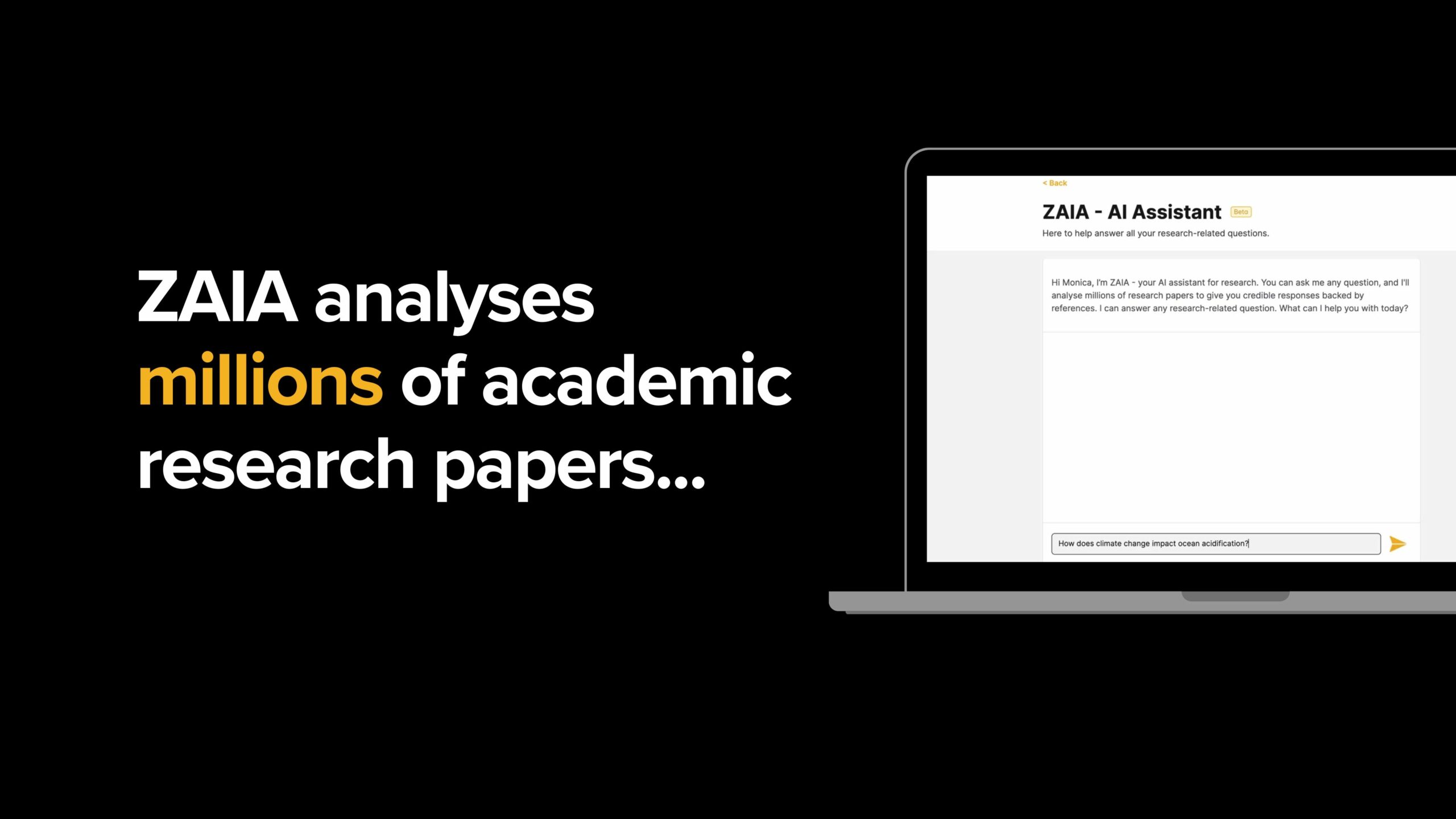
Features such as ZAIA, AI assistant for research, AI-powered summarisation, key phrase highlighting, and organised reading lists help manage literature and support research projects. You can export citations to reference managers and create structured workflows for academic tasks.
For researchers looking to integrate comprehensive literature access with their productivity workflow, Zendy’s AI-powered research library provides the foundation for efficient academic research.
FAQs about AI productivity tools for students and researchers
How do AI transcription tools handle sensitive interview recordings?
Most AI productivity tools use encryption and privacy controls to protect sensitive recordings. Researchers need to verify compliance with institutional data policies and obtain participant consent when managing such data.
Can Otter AI transcribe interviews without internet connection?
Otter.AI requires internet connection for real-time transcription. Some features work offline with limited functionality, but full transcription capabilities need online access for processing.
Which productivity tool works best with Zotero and Mendeley?
Notion provides flexible integration through its API, allowing various connections with citation management software. Bit.ai offers direct export features for popular reference managers like Zotero and Mendeley.
Do these AI tools support research content in languages other than English?
Language support varies by tool. Otter AI includes multiple language transcription capabilities, while Notion AI processes text in various languages for research content management.
Creating a research presentation often involves a lot of steps, such as summarising findings, choosing visuals, arranging slides, and checking formatting. This process can take hours or even days, especially when the topic is complex or time is limited.
However, researchers, students, and professionals are using AI tools to simplify how they build and design their presentations. These tools use AI to assist you with slide generation, layout, content summarisation, and more.
Additionally, some AI tools are designed specifically for academic use. They help present your research clearly, quickly, and in a format that meets academic standards.
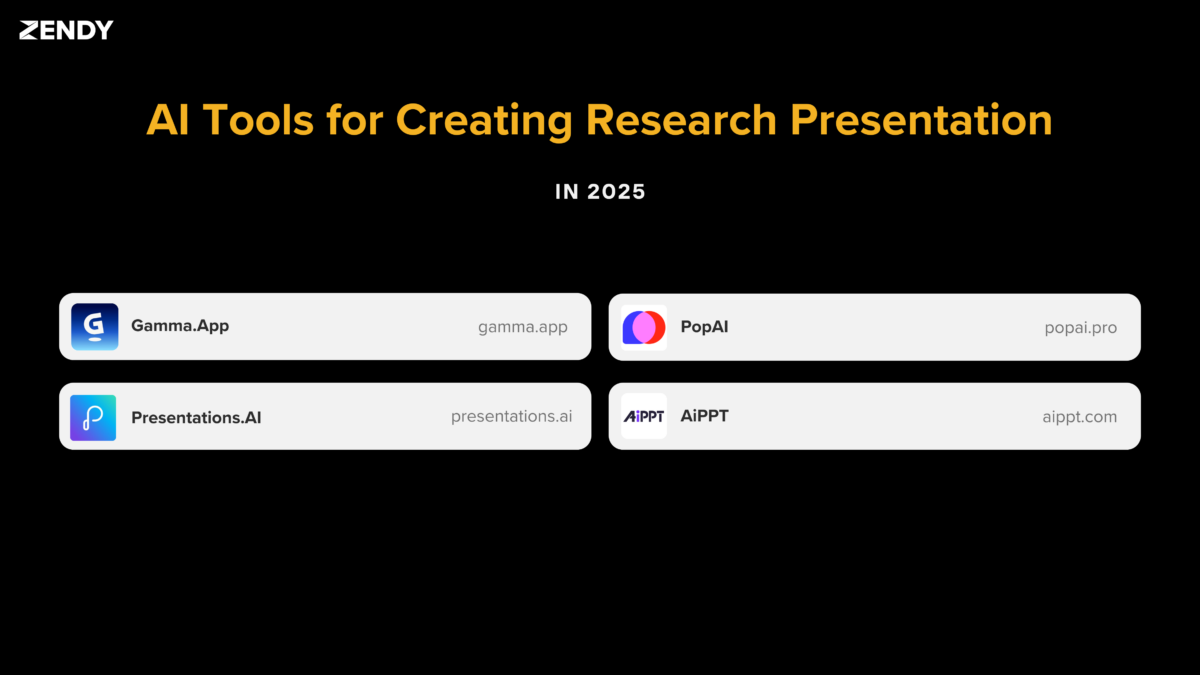
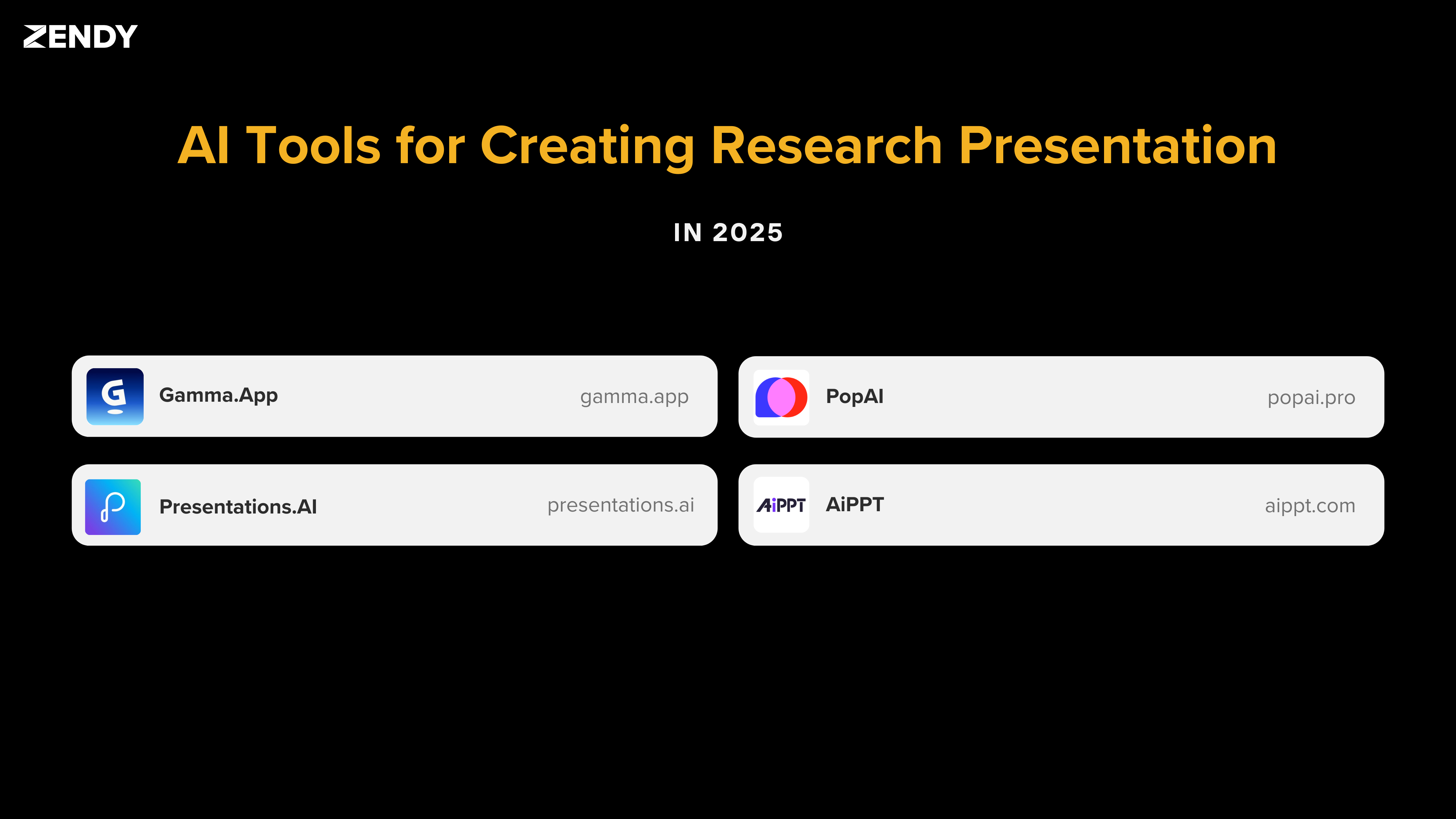
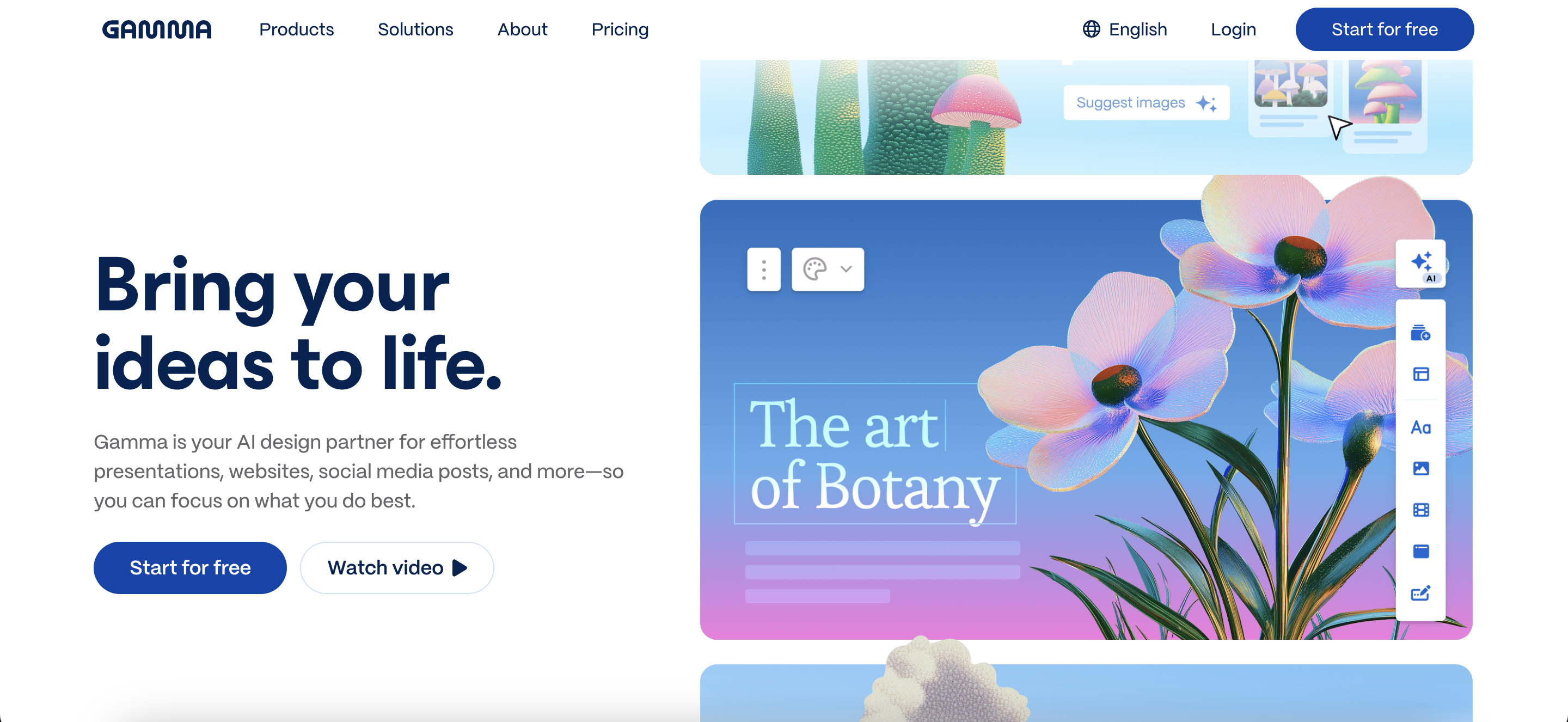
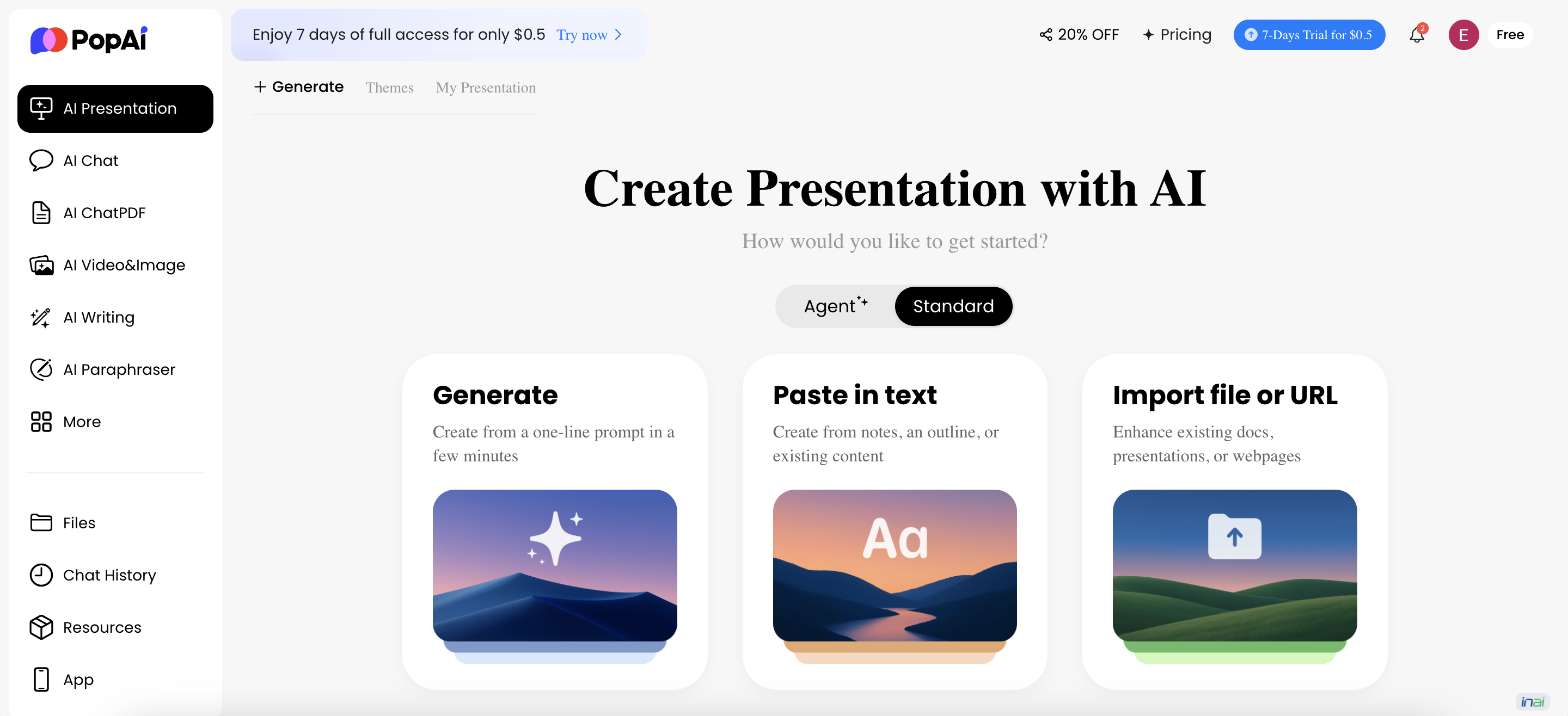
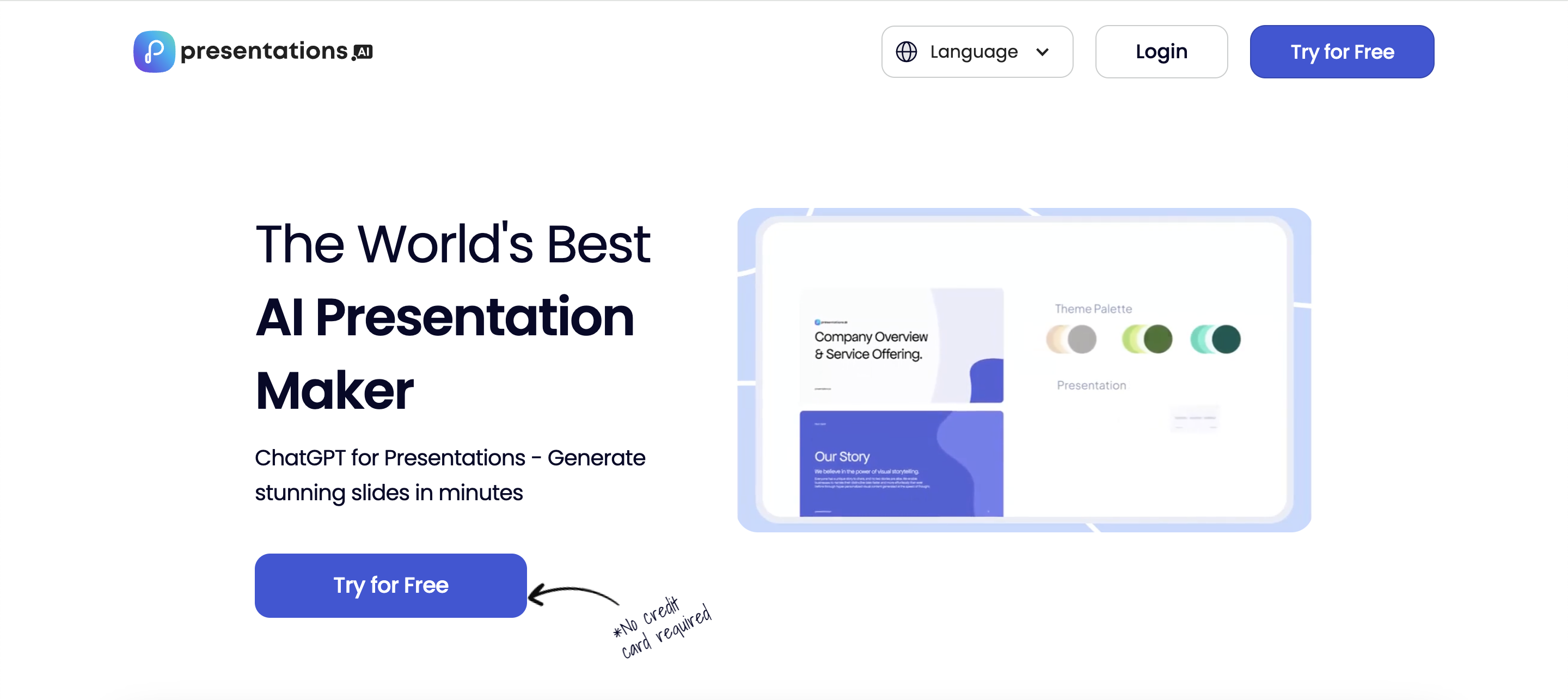
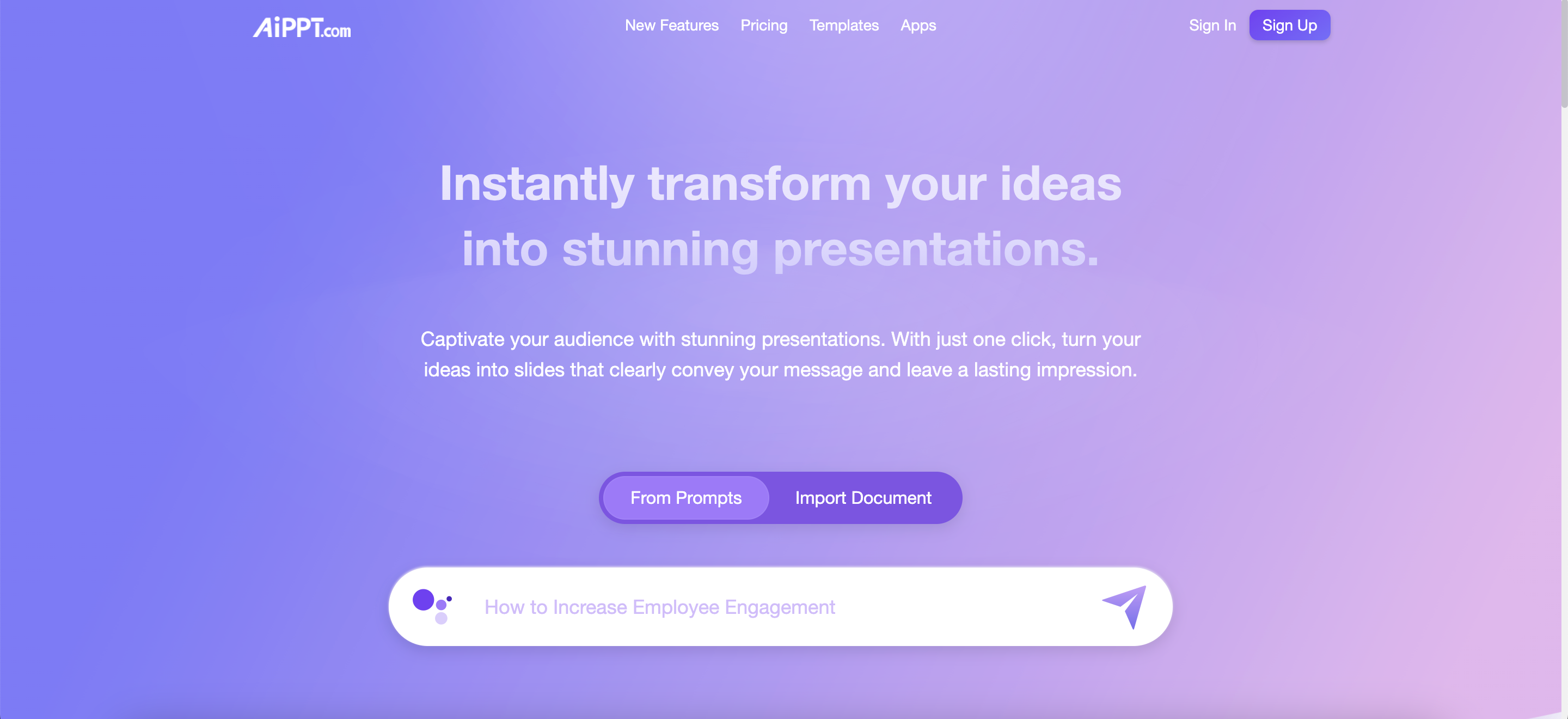
In this article, we’ll explore four AI tools, Gamma, Presentations.AI, PopAI, and AiPPT, that are changing how research is presented.
How AI Tools Help in Research Presentations
Creating research presentations involves common challenges. These include time constraints, organising detailed information, and using consistent, professional design.
AI tools address these issues by generating slides automatically, summarising long texts, and applying consistent design styles across all slides.
According to poweredtemplate.com, their case study shows that using AI to generate presentations can reduce the time spent on presentation preparation by up to 70%. This allows more time to focus on the research itself.
The benefits of using AI tools in research presentations include:
Time Efficiency: AI tools turn hours of work into minutes by automating slide creation.
Content Organisation: Complex research findings are structured into logical, easy-to-follow presentations.
Design Consistency: Professional aesthetics are maintained throughout the deck, ensuring a polished look.
4 Leading AI Tools for Research Presentations Simplifying Academic Decks
Several AI-powered tools now support the creation of academic presentations. These tools organise information, generate content, and format slides automatically.
Tool
Best For
Key Features
Academic Integration
Price Range
Gamma
Research summaries
Gamma slide tech, AI content extraction, templates
Uploads papers, citation support
Free–Premium
Presentations.AI
Collaborative projects
Real-time editing, smart layouts, team sharing
Google Drive, citation tools
Free–Premium
PopAI
Data-heavy presentations
Data visualisation, chart AI, analytics import
Excel, CSV, academic datasets
Free–Premium
AiPPT
Quick slide generation
1-click decks, multilingual support, templates
Reference manager integration
Free–Premium
Each tool offers features suited to different presentation needs, from summarising research papers to visualising data. Integration with academic platforms varies depending on the software.
Gamma: Best for Text-Heavy Research
Gamma.app is ideal for summarising academic papers and turning them into structured presentations. It can upload PDFs or DOCX files, extract arguments, and create slides with formatted citations (APA, MLA, Chicago). Instead of traditional slides, Gamma uses modular “cards,” which allow flexible navigation between sections—useful for thesis defenses or literature reviews.
PopAI: Best for Data-Driven Presentations
PopAI excels in handling numbers. Researchers can upload spreadsheets (Excel, CSV) and the tool automatically generates charts, graphs, and visual data summaries. It’s particularly useful in fields like medicine, economics, or STEM, where quantitative results need to be visualised clearly.
Presentations.AI: Best for Collaboration
Presentations.AI focuses on team-based research projects. Multiple users can co-edit slides in real time, with automatic syncing through Google Drive. It also supports citation tools, making it practical for group assignments, co-authored research, or preparing conference presentations with colleagues.
AiPPT: Best for Fast, Multilingual Decks
AiPPT is designed for speed. With one click, it generates slides from a topic or document, and it includes multilingual support—helpful for international research teams. It also integrates with reference managers like Zotero and Mendeley, simplifying bibliography creation.
Practical Tips for Researchers
Use academic templates – Many AI tools include templates for systematic reviews, literature reviews, or case studies. These save time and ensure presentations follow academic structures.
Automate citations – Connect tools like Gamma or Presentations.AI with Zotero/Mendeley to generate accurate references automatically.
Choose based on your research type:
Quantitative (data-heavy): PopAI
Qualitative/text-heavy: Gamma
Collaborative projects: Presentations.AI
Quick classroom assignments: AiPPT
Choosing the Right Tool
For thesis defenses → Gamma, with structured academic formatting.
For scientific conferences → PopAI, for strong visualisation of data.
For group projects → Presentations.AI, with collaboration tools.
For quick deadlines → AiPPT, for rapid slide generation.
Most offer free tiers, so students can test before subscribing to premium features.
The Future of AI in Research Presentations
AI presentation tools continue to develop new features. These tools make presentations clearer and more accessible for diverse audiences.
As presentations increasingly rely on academic research, tools that connect directly with research databases become more valuable. Researchers can import structured data, references, and text summaries directly into AI-generated slides.
Zendy’s tools complement these AI presentation tools by providing access to a vast library of academic content. Researchers can find relevant studies on Zendy and seamlessly incorporate them into their presentations using AI tools like Gamma or PopAI.
The combination of AI-powered presentation tools and a comprehensive research digital library like Zendy creates a powerful workflow. Discover Zendy to explore how its AI-powered research library can enhance your presentation content, while tools like Gamma, AiPPT, Presentations.AI, PopAI perfect your delivery.
FAQs about AI Research Presentation Tools
Which AI tool is best for creating presentations with scientific data visualisations?
PopAI is the strongest option for scientific data visualisations. It features robust charting capabilities and can import complex datasets directly from Excel, CSV files, and statistical software.
How do AI presentation tools handle citations and references for academic work?
AI presentation tools automatically generate citations and bibliographies in multiple styles (APA, MLA, Chicago), placing them correctly within slides and creating comprehensive reference lists.
Can these AI research presentation tools integrate with reference management software like Mendeley or Zotero?
Yes, tools like Gamma and Presentations.AI offer direct integration with reference managers such as Mendeley and Zotero, allowing seamless import of citation data into presentations.
How much time does using an AI presentation tool save compared to traditional methods?
Based on user reports, AI presentation tools typically reduce slide preparation time by 50-70%, with the greatest savings coming from automated content organisation and design formatting.
Are there privacy concerns when uploading research data to these AI presentation platforms?
Most research presentation tools use encryption and have privacy policies protecting uploaded content, but researchers should review each tool’s security measures before uploading sensitive or unpublished research.
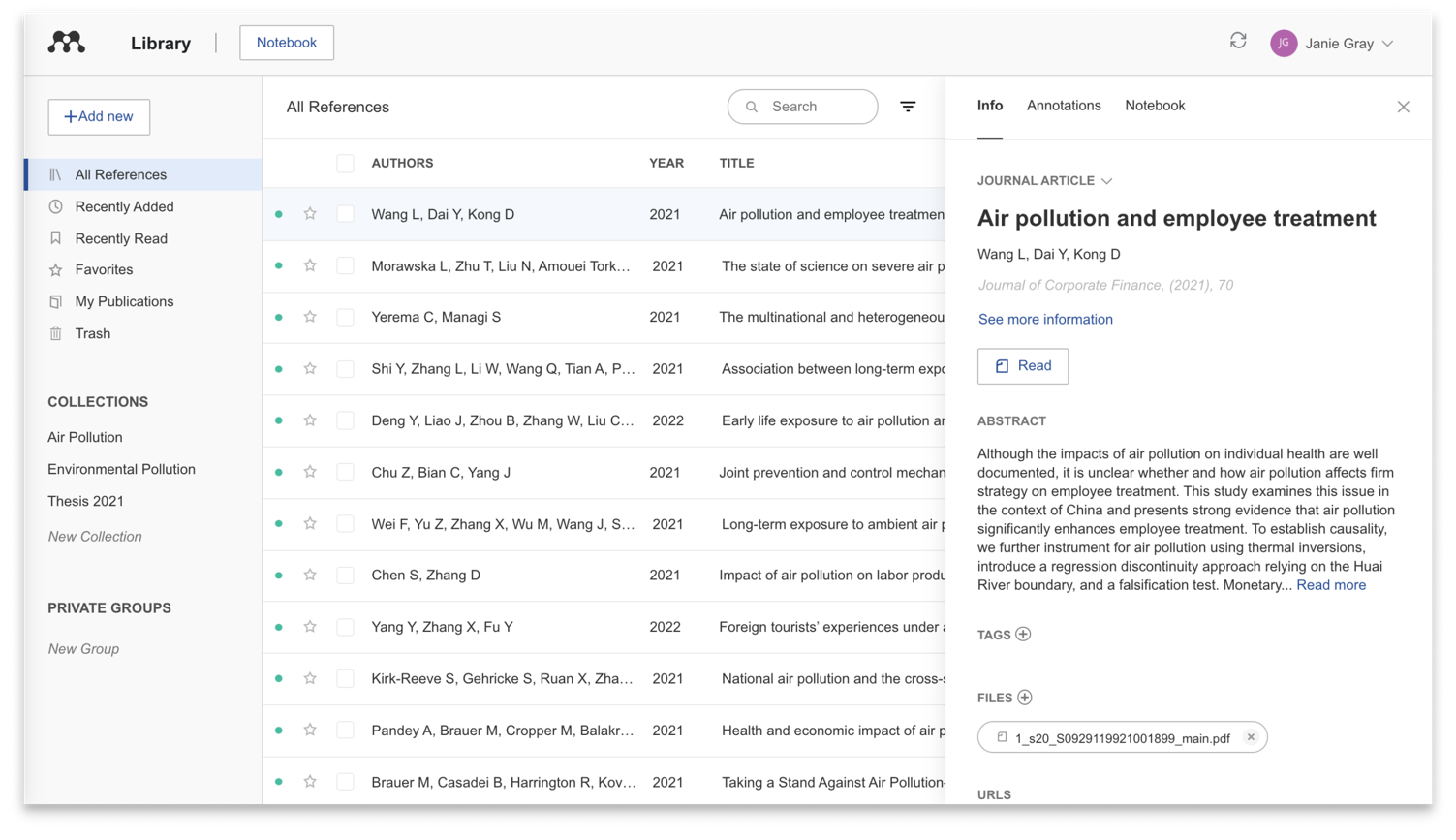
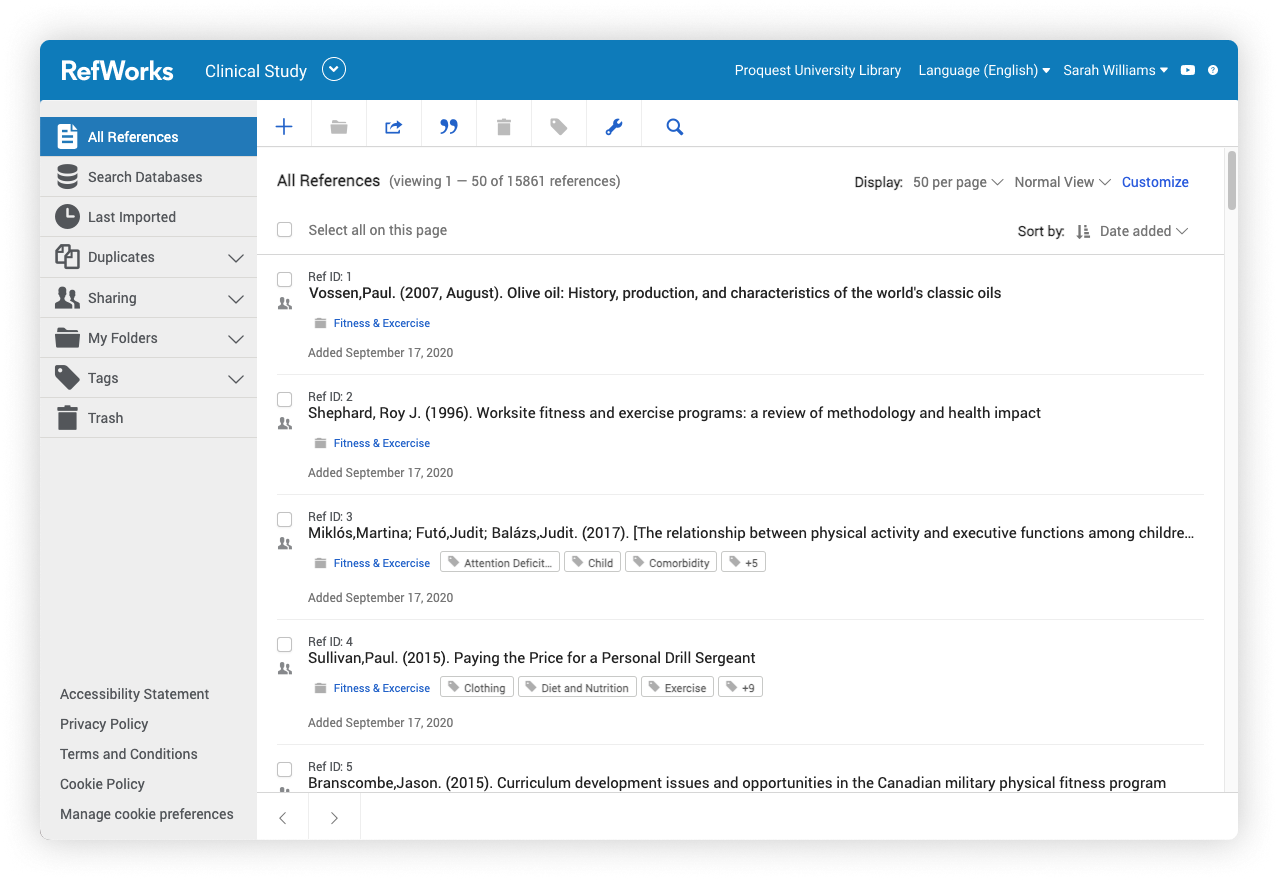
AI is now being built into some of these tools. These citation management tools are designed to help you with tasks like sorting references, checking for errors, or suggesting relevant sources.
This article explains how citation management works, what challenges it addresses, and how AI is being used in tools like Zotero, EndNote, Mendeley, and RefWorks.
What is citation management and why is it important
Citation management is the process of collecting, organising, and formatting reference information used in academic writing. A reference manager is software that helps with this process by storing citation details and generating bibliographies in different styles.
Writing citations by hand takes time and can lead to mistakes. Formatting errors, missing information, or inconsistent styles are common when done manually.
Citation management tools reduce these errors by automating formatting and organising references into folders or collections. Many of these tools also allow users to import references directly from academic databases.
AI is now improving citation management in several ways:
Automation: AI can detect duplicate entries and organise references automatically
Extraction: It can pull citation information from PDFs and websites
Suggestions: Some tools recommend related research based on your existing library
Comparing Zotero, EndNote, Mendeley, and RefWorks
These four citation management tools help you collect, organise, and cite research sources, but they are built for different users and needs.
Zotero is free, open-source software popular with students and independent researchers. EndNote is often used by institutions and professional researchers working with large reference collections. Mendeley combines reference management with academic networking features. RefWorks is a cloud-based tool designed for institutional use.
Tool
Cost
Platform
Storage
Zotero
Free (basic)
Windows, Mac, Linux
300MB free
EndNote
Paid
Windows, Mac
Unlimited (desktop)
Mendeley
Free (basic)
Windows, Mac, Web, Mobile
2GB free
RefWorks
Subscription
Web-based
Unlimited with subscription
Each tool uses AI differently. Zotero supports plugins that add AI features like citation suggestions. EndNote has tools to find full-text PDFs automatically. Mendeley includes AI recommendations for related research. RefWorks uses AI for document organisation.
Essential AI features for modern reference manager tools
AI in reference managers helps automate tasks that would otherwise be time-consuming and error-prone. These features support accuracy in citation formatting, help organise references, and assist with discovering new sources.
1. Automatic metadata extraction
Automatic metadata extraction uses AI to read documents and pull out citation details like author names, titles, and publication dates. This works by scanning PDFs or web pages and identifying citation patterns.
When you add a PDF to your library, the AI analyses the document structure, looking for title pages, author information, and reference sections. It then creates a citation entry with this information.
This feature is especially helpful when you are importing many documents at once. Zotero and Mendeley both excel at metadata extraction, making them popular citation software for Word integration.
2. Recommendation engines for research discovery
Recommendation engines suggest articles related to ones already in your library. These engines analyse your saved references and reading patterns to find similar research.
For example, if your reference manager contains several papers about climate change, the AI might suggest new climate research that cites or is cited by your saved papers.
Mendeley’s recommendation feature examines your library content and suggests related papers from its database of millions of articles. EndNote offers similar functionality through its Web of Science integration.
3. Smart collaboration capabilities
Smart collaboration features help teams manage shared reference libraries. AI helps detect duplicate entries, suggest relevant collaborators, and manage editing conflicts.
For group projects, these features keep shared libraries organised and consistent. When multiple team members add references, AI can identify duplicates even when citation details vary slightly.
RefWorks and Mendeley offer strong collaboration tools. RefWorks allows real-time sharing and editing, while Mendeley lets groups share annotations and organise references together.
Pros and cons of each citation manager
Zotero
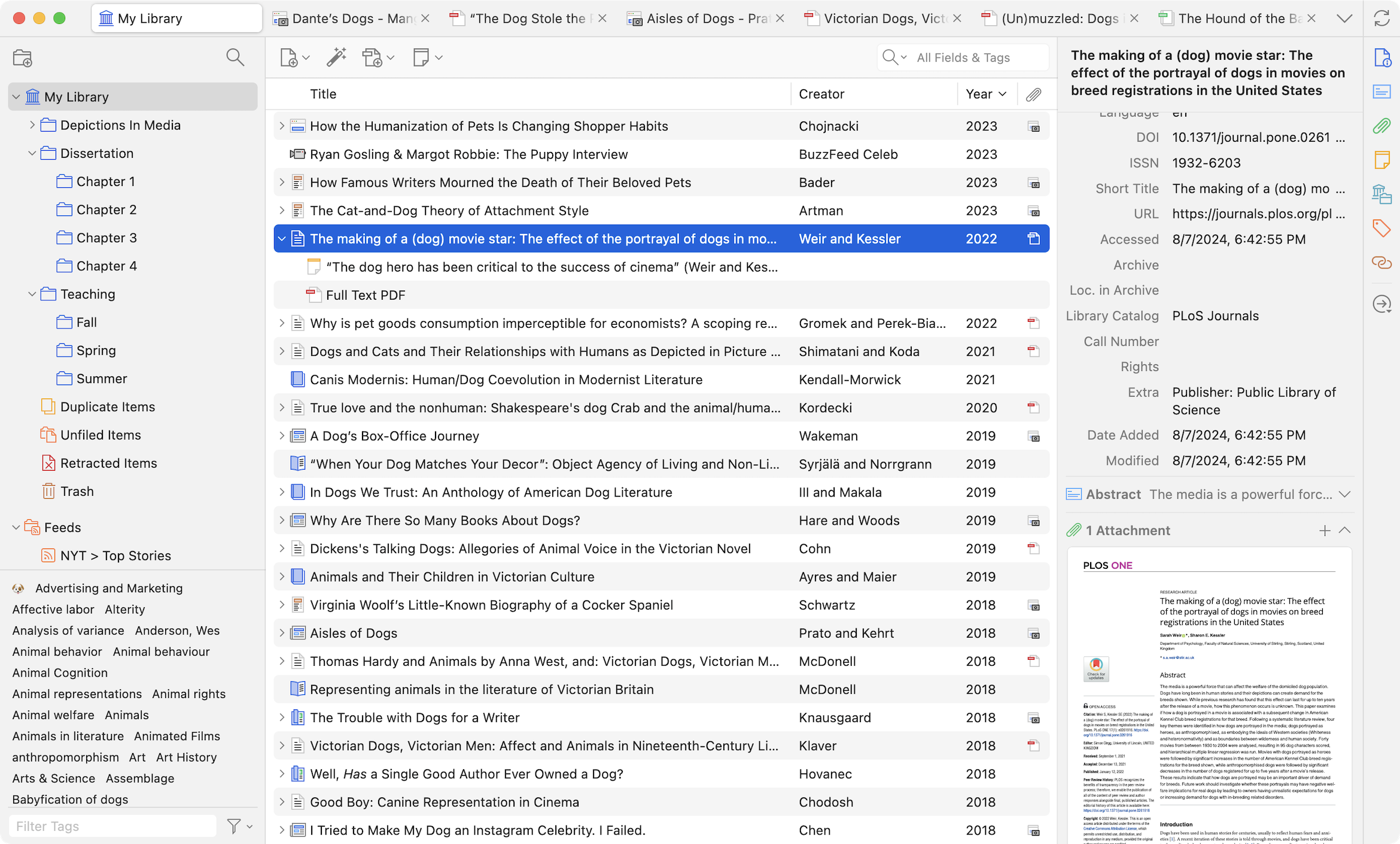
Zotero is a free, open-source citation manager developed by a non-profit organisation. It works through a desktop application and browser connector.
Strengths:
Free to use with basic features
Strong community support and regular updates
Excellent at capturing web content and metadata
Works well with both Word and Google Docs
Limitations:
Limited storage (300MB) on free accounts
Fewer built-in AI features compared to commercial options
Basic collaboration tools
Zotero is ideal for students, independent researchers, and anyone who wants a free, reliable citation manager without complex features.
EndNote
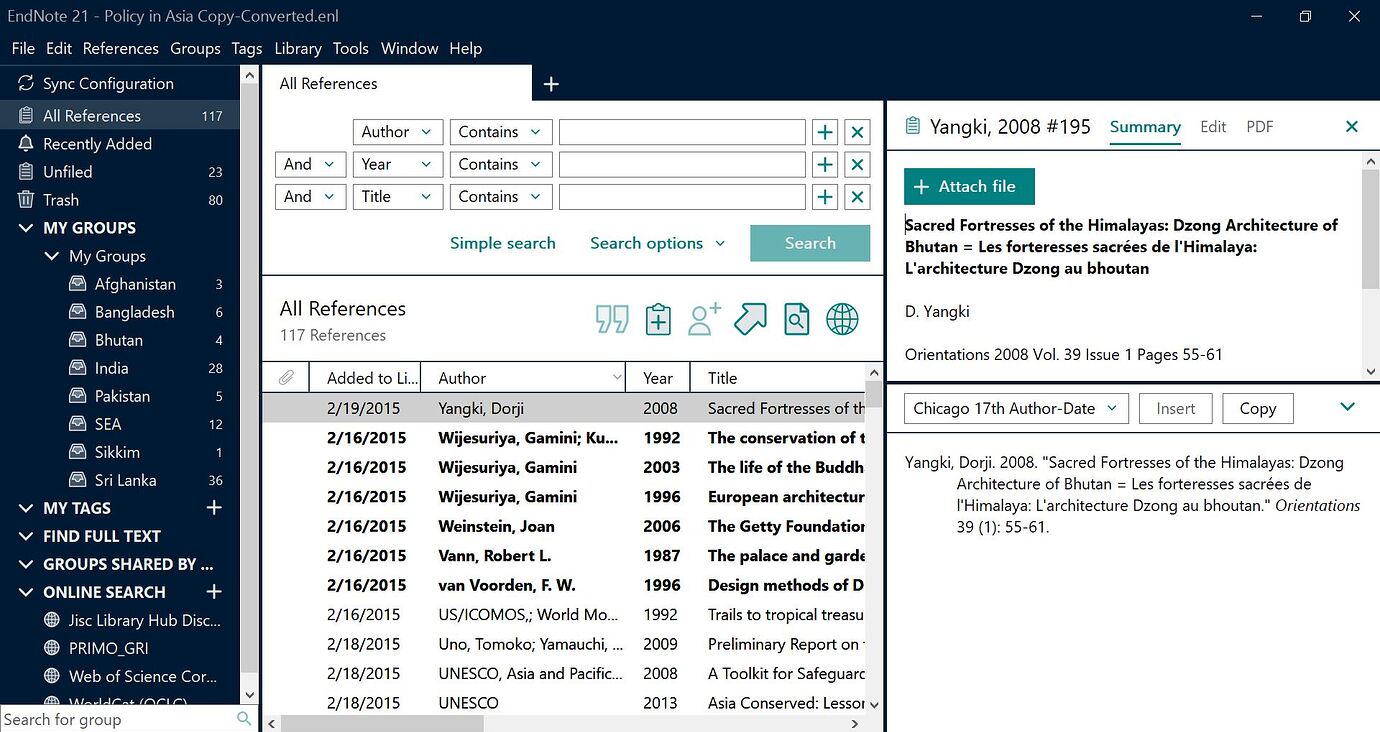
EndNote is a commercial citation manager with advanced formatting capabilities. It’s commonly used in academic and research institutions.
Strengths:
Powerful formatting options for complex documents
Strong integration with academic databases
Comprehensive search capabilities within the tool
Robust handling of large reference libraries
Limitations:
Requires purchase (though many institutions provide access)
Steeper learning curve than other tools
Less intuitive interface for beginners
EndNote works best for professional researchers, faculty members, and others who need advanced citation features and have institutional support.
Mendeley
Mendeley combines reference management with social networking features. It’s owned by Elsevier, a global leader in advanced information and decision support for science and healthcare.
Strengths:
Social features to connect with other researchers
Good PDF annotation and reading tools
AI-powered article recommendations
Free basic version with 2GB storage
Limitations:
Some users have privacy concerns due to Elsevier ownership
Sync issues reported by some users
Premium features require subscription
Mendeley is particularly good for researchers who want to discover new content and connect with colleagues while managing their references.
RefWorks
RefWorks is a web-based citation manager typically accessed through institutional subscriptions. It focuses on ease of use and collaboration.
Strengths:
No software installation required
Good for team projects and collaboration
Works on any computer with internet access
Strong institutional support features
Limitations:
No free version for individual users
Fewer customisation options than other tools
Requires internet connection for most functions
RefWorks is best for students and researchers at institutions with RefWorks subscriptions who need simple, accessible citation management.
Zotero vs EndNote vs Mendeley vs RefWorks: which is best?
The best citation manager depends on your specific needs. There’s no one-size-fits-all answer to the Zotero vs EndNote vs Mendeley vs RefWorks question.
For students and budget-conscious users, Zotero offers the best balance of features and cost. Its free version includes all essential functions, and it’s relatively easy to learn.
For professional researchers working with large libraries, EndNote provides powerful organisation and formatting tools. Its advanced search functions and database integration justify the cost for many users.
For collaborative teams, both Mendeley and RefWorks offer good sharing features. Mendeley adds social networking, while RefWorks focuses on institutional access and ease of use.
When comparing specific tools:
Zotero vs EndNote: Zotero is free and simpler; EndNote offers more advanced features but costs money
Zotero vs Mendeley: Zotero has better browser integration; Mendeley offers better PDF reading tools
EndNote vs Mendeley: EndNote has more formatting options; Mendeley includes social features
Mendeley vs Zotero: Mendeley offers better recommendations; Zotero has a more open ecosystem
In addition, Zendy works alongside these citation tools by helping users discover and access research content before organising it in their citation manager of choice.
Tips for faster citation software for Word integration
All four major citation managers integrate with Microsoft Word, allowing you to insert citations while writing. This integration saves time and reduces errors.
Installing the plugin
For Zotero, the Word plugin installs automatically with the desktop application. After installation, check Word for a “Zotero” tab in the ribbon.
EndNote’s “Cite While You Write” plugin also installs with the main program. If it doesn’t appear in Word, open EndNote and select “Customize” to enable it.
Mendeley requires downloading “Mendeley Cite” separately from their website. This add-in works with recent versions of Word.
RefWorks uses the “RefWorks Citation Manager” add-in, which can be installed from Word’s Add-ins store.
If a plugin doesn’t appear, try restarting Word or checking that your citation manager is running.
Adding citations to your document
To add citations with Zotero, click the “Add/Edit Citation” button in Word. A search box appears where you can type author names or keywords to find references in your library.
With EndNote, use the “Insert Citation” button, then search your library. You can also insert multiple citations at once.
Mendeley Cite shows a sidebar where you can search your library and click references to insert them.
RefWorks Citation Manager also uses a sidebar approach, with search functionality and citation preview.
All these tools format citations according to your chosen style (APA, MLA, Chicago, etc.) and automatically create a bibliography at the end of your document.
Looking ahead: how AI shapes the future of citation management
AI is changing how researchers manage citations and discover new research. Future developments will likely make these tools even more helpful.
Natural Language Processing (NLP) is improving how citation tools extract information from documents. This means more accurate automatic citations from PDFs and web pages.
AI tools are getting better at suggesting relevant research based on your existing library and reading patterns. This helps researchers discover important work they might otherwise miss.
Some citation tools are beginning to explore integration with generative AI to help summarise articles, identify key citations, and even assist with literature reviews.
Zendy complements these citation managers with AI-powered research discovery and organisation tools. Its features help researchers find relevant content before adding it to their citation libraries.
The best citation managers will continue incorporating AI to make research workflows more efficient while maintaining accuracy and proper attribution.
Frequently asked questions about AI citation management
How do I choose between Zotero, EndNote, Mendeley, and RefWorks?
Consider your budget (Zotero is free, EndNote is paid), collaboration needs (RefWorks and Mendeley excel here), and institutional support (many universities provide EndNote or RefWorks). Try the free version of any tool before committing to see which interface you prefer.
Can I transfer my references between different citation managers?
Yes, most citation managers support exporting and importing references using standard formats like RIS or BibTeX. The transfer usually preserves basic citation information, though some custom notes or organisation may require adjustment.
Which citation manager has the best AI features currently?
Mendeley offers the strongest built-in AI features, particularly for research recommendations. EndNote provides powerful search and organisation tools. Zotero supports AI features through community-developed plugins.
Do citation managers work with Google Docs as well as Microsoft Word?
Zotero and RefWorks have direct Google Docs integration. Mendeley and EndNote have more limited Google Docs support, with EndNote requiring workarounds to use with Google’s platform.
Are the AI features in citation managers difficult to use for beginners?
Most AI features in citation managers work automatically in the background. Features like metadata extraction happen when you add documents, while recommendations appear as suggestions. These require little technical knowledge to use effectively.
Paraphrasing is a common academic writing skill. Whether working on an essay, report, or research paper, you may need to rewrite some ideas in your own words while keeping the original meaning.
Writers often paraphrase to summarise, simplify, or highlight certain aspects of a given statement. It also helps demonstrate and facilitate the understanding of a topic.
In recent years, many AI tools have been developed to make the paraphrasing process faster and more efficient. These tools use artificial intelligence to analyse and reword sentences, offering new ways to express the same ideas.
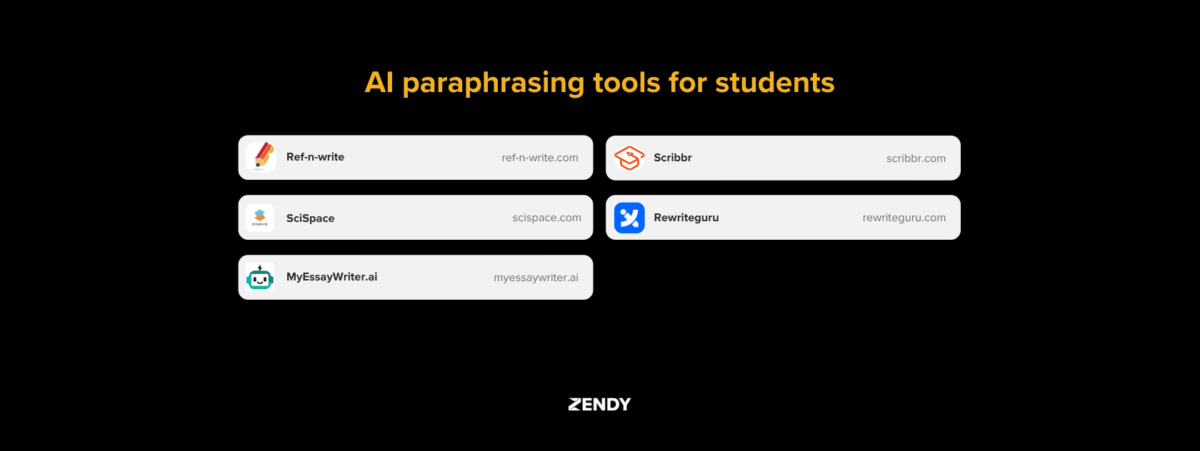
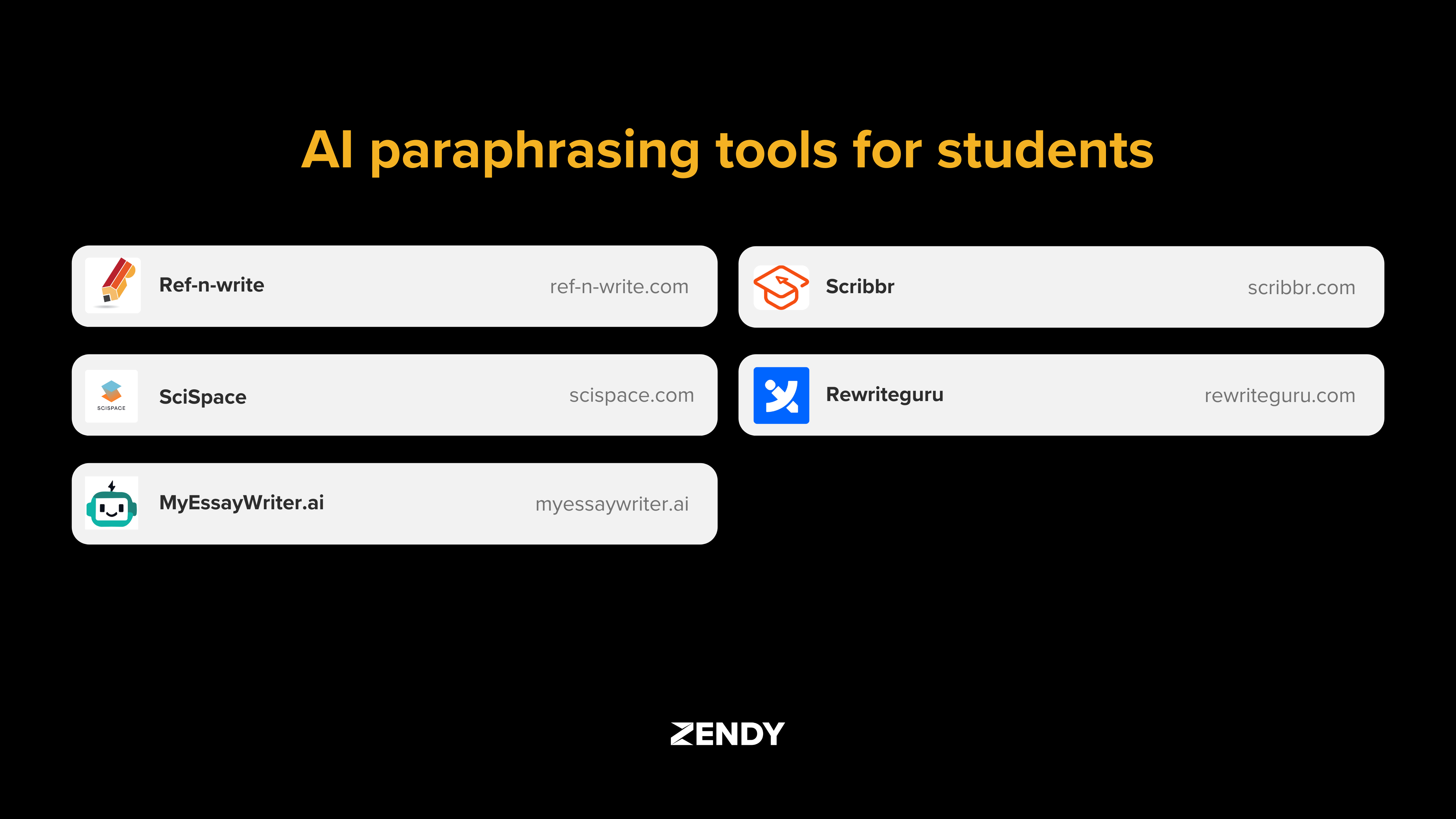
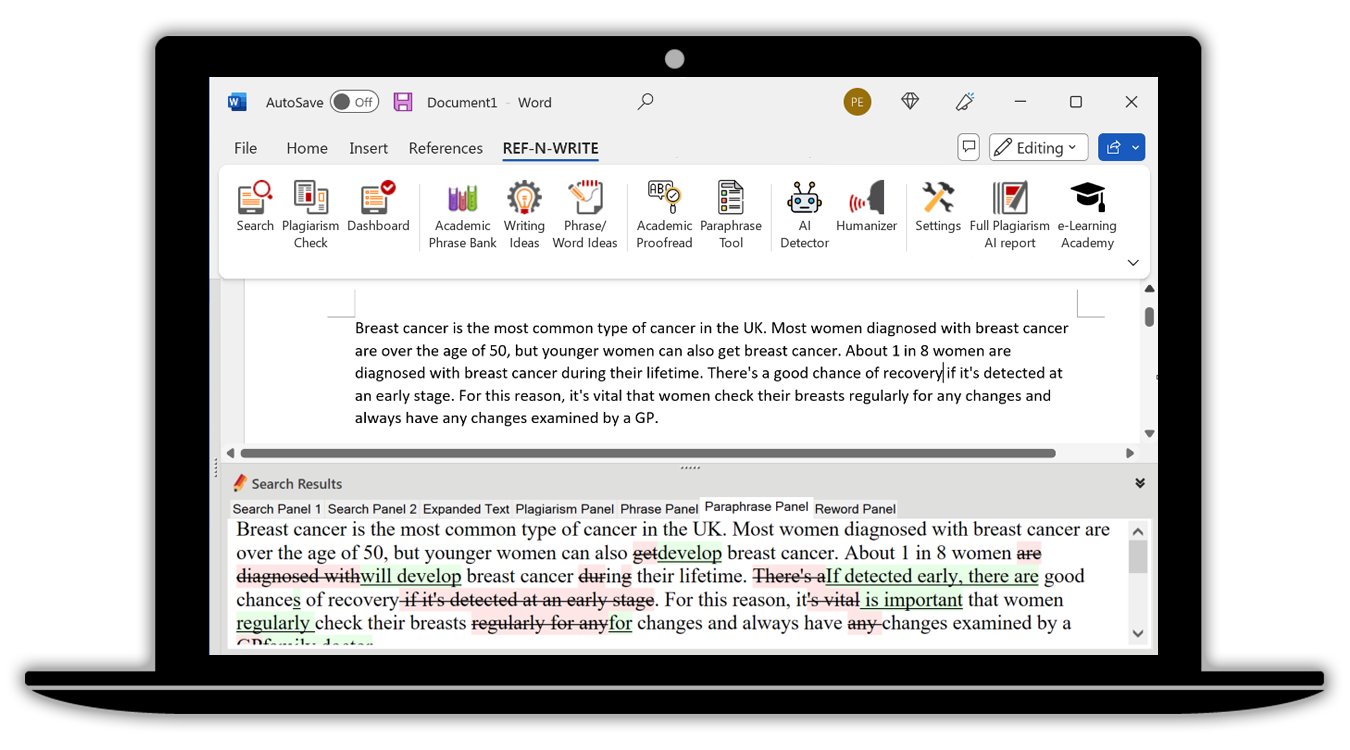
This article introduces AI paraphrasing tools commonly used by students, including Ref-n-write, SciSpace, MyEssayWriter.ai, Scribbr, and Rewrite Guru.
What is an AI Paraphrasing Tool
An AI paraphrasing tool is a software program that uses artificial intelligence to rewrite text. It takes a sentence or paragraph and rephrases it using different words and sentence structures, while keeping the original meaning.
These tools work by using natural language processing (NLP) and machine learning. NLP helps the tool understand the structure and meaning of a sentence. Machine learning allows the tool to improve its language skills over time by analysing large amounts of text.
Unlike basic text spinners that simply swap words with synonyms (often creating awkward sentences), AI paraphrasers understand context. They analyse how words relate to each other and produce more natural-sounding results.
For example, if you input the sentence “The study revealed significant findings about climate change,” a basic spinner might produce “The examination exposed important discoveries about climate alteration.” An AI paraphraser would create something more natural like “The research uncovered notable results regarding climate change.”
Why Use A Free Paraphrasing Tool For Academic Writing
AI paraphrasing tools offer several benefits for students working on academic assignments:
Time efficiency: These tools can quickly reword paragraphs that might take much longer to paraphrase manually. This allows more time for research and critical thinking.
Language improvement: For non-native English speakers, paraphrasing tools can suggest more natural or academic phrasing that might not come easily.
Comprehension aid: Seeing complex ideas expressed in simpler language can help students better understand difficult concepts.
However, these tools work best as assistants rather than replacements for your own writing skills. The paraphrase generator provides suggestions, but understanding the content and making thoughtful edits remains important.
How To Paraphrase Online Without Plagiarism
Paraphrasing without plagiarism requires more than just changing a few words. Here’s a straightforward process for using online rephrase tools effectively:
1. Identify Your Source
Start with a reliable academic source like a peer-reviewed journal article or textbook. Read it carefully to understand the main ideas before attempting to paraphrase.
Many students make the mistake of trying to paraphrase sentence-by-sentence without first understanding the bigger picture. This often leads to staying too close to the original wording.
2. Choose A Paraphrase Generator
Select a paraphraser tool designed for academic writing. Look for features like:
Academic vocabulary options
Ability to maintain a formal tone
Citation assistance
Integration with word processors
Free tools like SciSpace and Scribbr offer basic paraphrasing features, while specialised tools like Ref-n-write focus specifically on academic language patterns.
3. Review And Edit
After using a word paraphraser, carefully review the output. The AI might miss nuances or create awkward phrasing that needs fixing.
Look for:
Sentences that don’t make sense
Terms that were changed incorrectly
Places where the meaning shifted
Unnecessarily complex wording
Make manual edits to improve clarity and accuracy. Remember that the paraphrasing tool is just the first step in creating your final text.
4. Cite And Reference
Even when text is completely paraphrased, you still need to cite the source of the ideas. Include an in-text citation and add the full reference to your bibliography.
For example, in APA style, you might write: Research suggests that paraphrasing tools can help students improve their writing skills (Johnson, 2023).
Features of Top AI Paraphrasing Tools
The table below compares key features of popular AI paraphrasing tools for students and researchers:
Tool
Best For
Key Features
Limitations
Pricing
Ref-n-write
Academic writing style
Academic phrasebank, Microsoft Word integration, discipline-specific phrases
Limited to Word users
Paid software
SciSpace
Scientific content
Technical accuracy, 75+ languages, research integration
Academic tone options, plagiarism checker, citation help
125-word limit per input (free)
Free basic tool
Rewrite Guru
Multiple rewriting styles
Creative, fluent, and standard modes; simple interface
May require significant editing
Free with premium options
Ref-n-write
Ref-n-write works as a Microsoft Word add-on specifically designed for academic writing. It contains a database of phrases from academic papers that helps students write in a scholarly style.
The tool includes:
An academic phrase bank with thousands of common academic expressions
Field-specific language for different subjects like biology, engineering, or psychology
Sentence templates for different parts of academic papers
A biology student writing about experimental results might type “The findings show” and Ref-n-write would suggest alternatives like “The results demonstrate” or “The data indicate” that fit academic writing conventions.
SciSpace
SciSpace offers a paraphrase tool free for basic use, with a focus on maintaining accuracy in scientific and technical writing. Unlike general paraphrasing tools, it understands specialised terminology.
When paraphrasing technical content, SciSpace:
Preserves field-specific terms that shouldn’t be changed
Maintains the logical flow of complex explanations
Offers options to paraphrase in multiple languages
For example, it can reword a physics concept while keeping essential technical terms intact, something general paraphrasers often struggle with.
MyEssayWriter.ai
MyEssayWriter.ai functions as an essay paraphraser that helps you with overall document structure and readability. It’s particularly helpful for students who struggle with organising their thoughts.
The tool provides:
Suggestions for improving paragraph transitions
Help with creating clear thesis statements
Options for varying sentence structure
A history student using MyEssayWriter.ai might find it helps not just with rewording, but also with organising their arguments in a more logical sequence.
Scribbr
Scribbr offers a free paraphrasing tool with a strong focus on academic integrity. It’s designed to help students avoid plagiarism while maintaining proper scholarly tone.
The tool includes:
Options to paraphrase for fluency or standard academic style
Integration with plagiarism checking
Citation assistance for different style guides
An English literature student might use Scribbr to rephrase their analysis of a novel while ensuring they’re not accidentally copying the wording of literary critics they’ve read.
Rewrite Guru
Rewrite Guru is an online paraphrase website that offers multiple ways to rephrase text based on different needs. Its strength is flexibility in how much the text is changed.
The tool provides:
Multiple rewriting modes from light editing to complete rewording
A simple interface that’s easy for beginners
Word-by-word synonym suggestions
A sociology student might use Rewrite Guru’s different modes to paraphrase the same paragraph in multiple ways, choosing the version that best fits their paper’s tone.
Who Benefits From Paraphrasing Tools
Different types of students find value in paraphrasing tools for various reasons:
Undergraduate students working on shorter assignments and essays use these tools to help express ideas clearly. When faced with multiple reading assignments, an AI paraphrasing tool free of charge can help them take better notes without copying text directly.
Graduate students writing theses or dissertations often use AI paraphrase tools to help manage large amounts of literature. When reviewing dozens of research papers, these tools help condense information while maintaining accuracy.
International students who are still building English proficiency find AI paraphrasing tools especially helpful. These tools suggest natural-sounding alternatives to expressions that might be difficult to rephrase when English isn’t your first language.
Research students conducting literature reviews use these tools to summarise existing research efficiently. When comparing multiple studies on the same topic, paraphrasing tools help highlight similarities and differences in findings.
Frequently Asked Questions About AI Paraphrasers
Do AI paraphrasing tools handle specialised technical content?
Advanced tools like Ref-n-write and SciSpace are designed to handle academic terminology, but always review the output for technical accuracy, especially in specialised fields like medicine or engineering.
How much editing is needed after using a paraphraser tool?
Most students spend about 10-15 minutes editing a 500-word AI-paraphrased text to ensure proper academic tone, correct terminology, and logical flow.
Are data privacy and security guaranteed when using free paraphrasing tools?
Free tools vary in their privacy policies—some store text for AI training purposes, so check their terms of service or consider paid options with stronger privacy guarantees for sensitive academic content.
Expand Your Research With Zendy
While paraphrasing tools help rewrite existing text, finding quality sources to quote or cite is equally important. Zendy’s AI-powered research library gives students access to millions of peer-reviewed articles across all academic disciplines.
Zendy complements paraphrasing tools through features like AI summarisation, which condenses lengthy research papers into key points. This helps students understand the main ideas before attempting to paraphrase.
The key phrase highlighting feature automatically identifies important concepts in academic papers, making it easier to spot which ideas are essential to include in your paraphrased notes.
Students can use Zendy to discover relevant research, understand complex concepts through AI assistance, and then use paraphrasing tools to incorporate these ideas into their own writing with proper citation.
This combined approach, finding quality sources through Zendy and rephrasing them thoughtfully with paraphrasing tools, creates a more efficient and effective academic writing process.
Artificial intelligence is changing how research is done. Today, researchers across subjects use AI tools to help them understand large amounts of data more efficiently.
Whether the data comes from surveys, experiments, or spreadsheets, AI can help organise and analyse it faster than traditional methods. This allows researchers to focus more on the meaning behind the data.
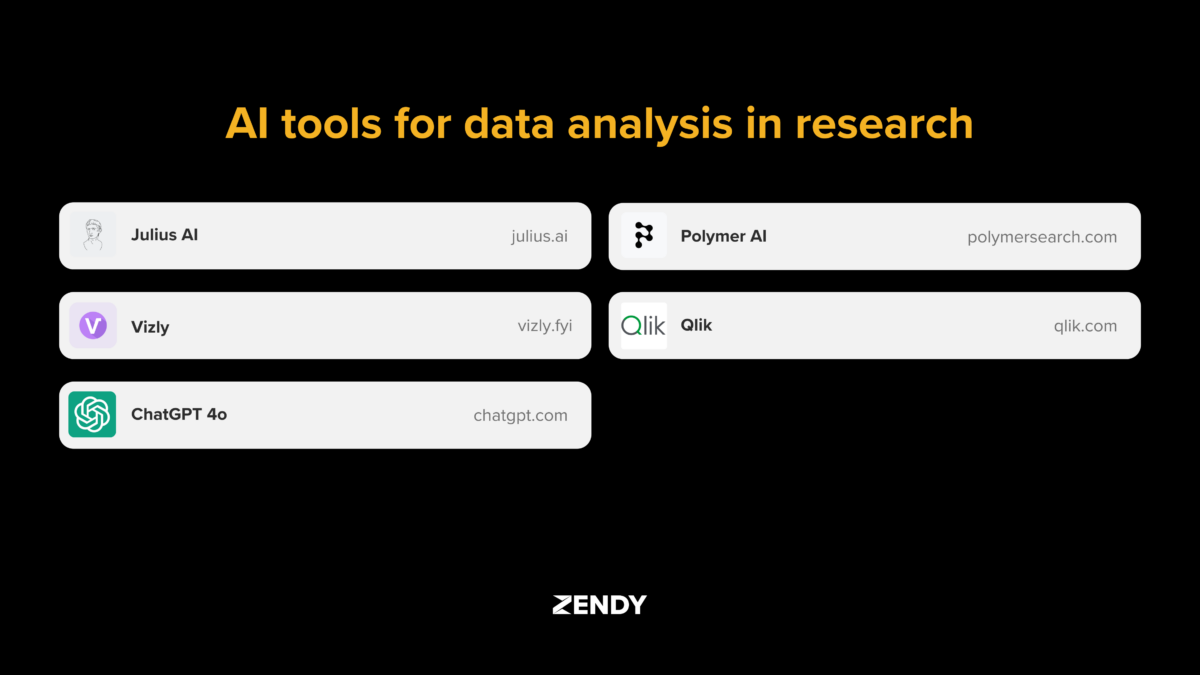
In this article, we introduce five AI tools that are commonly used in data analysis for research: Julius AI, Vizly, ChatGPT-4o, Polymer, and Qlik. Each tool plays a different role in the research process, depending on the type of data and goals of the project.
What is AI data analysis for research?
AI data analysis for research uses artificial intelligence to process and interpret research data. It combines machine learning, natural language processing, and automation to handle complex datasets that would take too long to analyse manually.
Unlike traditional analysis that requires step-by-step programming, AI tools can identify patterns and trends without explicit instructions. This makes data analysis more accessible to researchers without technical backgrounds.
Time efficiency: AI processes large datasets in minutes rather than days
Pattern recognition: Identifies relationships that might be missed in manual review
Error reduction: Minimises human error in repetitive analysis tasks
Accessibility: Makes advanced analysis available to non-technical researchers
For example, a researcher analysing survey responses can use AI to automatically categorise thousands of text answers instead of reading and coding each one individually.
How AI tools are changing research
In the past, researchers spent hours cleaning data, running statistical tests, and creating visualisations. AI tools now automate many of these tasks, freeing up time for thinking about what the results mean.
The volume of research data has grown exponentially in recent years. A single study might include millions of data points from sensors, surveys, or digital records. Traditional analysis methods struggle with this scale, while AI tools can process it efficiently.
AI data analysis also helps researchers spot patterns they might otherwise miss. For instance, machine learning algorithms can identify subtle relationships between variables that aren’t obvious in standard statistical tests.
These tools are especially valuable for interdisciplinary research where datasets combine different types of information such as text, numbers, and images.
How to choose the right AI tool in data analysis for research?
Selecting an appropriate AI tool depends on your research needs and technical comfort level. Consider what type of data you’re working with and what questions you’re trying to answer.
For text-heavy research like literature reviews, tools with strong natural language processing capabilities work best. For numerical data analysis, look for tools that offer statistical modelling and visualisation features.
The learning curve varies between platforms. Some use conversational interfaces where you can ask questions in plain language, while others might require some familiarity with data concepts or programming.
Data privacy is another important consideration, especially when working with sensitive information. Check whether the tool stores your data on their servers and what security measures they have in place.
5 AI tools in data analysis for research
Julius AI
Julius AI works as an AI data analyst that understands questions in everyday language. You can upload spreadsheets or datasets and then ask questions like “What trends do you see?” or “Summarise the key findings.”
This conversational approach makes data analysis accessible to researchers without technical backgrounds. The platform handles data cleaning, visualisation, and statistical testing automatically.
Natural language queries: Ask questions about your data in plain English
Automated insights: Identifies patterns and outliers without manual analysis
Visual reporting: Creates charts and graphs based on your questions
Collaborative features: Allow teams to work with the same dataset
Julius AI works well for exploratory data analysis and preliminary research. It helps you understand what’s in your data before deciding on more specific analyses.
Vizly
Vizly focuses on turning research data into clear visualisations. The platform uses AI to suggest the most effective ways to display your information based on the data structure.
In addition, Vizly automatically generates charts, graphs, and dashboards. You can then refine these visualisations through a simple drag-and-drop interface.
AI-powered suggestions: Recommends appropriate chart types for your data
Interactive dashboards: Create linked visualisations that update in real time
No-code interface: Builds complex visualisations without programming
Presentation tools: Exports publication-ready graphics for papers and presentations
Vizly is particularly useful for communicating research findings to non-technical audiences and creating visuals for publications or presentations.
ChatGPT-4o
ChatGPT-4o serves as a versatile research assistant that can analyse multiple types of data. You can use it to summarise academic papers, generate code for data analysis, or interpret results.
Unlike specialised data analysis for research tools, ChatGPT-4o can switch between different tasks and data formats. It understands both text and numbers, making it useful for mixed-method research.
Literature analysis: Summarises research papers and identifies key concepts
Code generation: Creates analysis scripts in Python, R, and other languages
Result interpretation: Explains statistical findings in plain language
Multimodal capabilities: Works with text, tables, and images
ChatGPT-4o helps you with various stages of the research process, from literature review to data analysis and writing. However, its outputs should be verified for accuracy in academic contexts.
Polymer
Polymer transforms spreadsheets into interactive dashboards without requiring any coding. Upload your data, and the platform automatically creates a searchable, filterable interface.
This AI tool, specialised in data analysis for research, is helpful for survey data or experimental results that need to be explored from multiple angles. The AI identifies data types and relationships, then builds appropriate visualisations.
One-click dashboards: Converts spreadsheets to interactive displays instantly
Smart filtering: Creates automatic categories and filters based on data content
Sharing capabilities: Allows secure sharing with collaborators or stakeholders
Spreadsheet integration: Works directly with Excel and Google Sheets files
Polymer bridges the gap between raw data and meaningful insights, making it easier for research teams to explore their findings collaboratively.
Qlik
Qlik offers advanced analytics for complex research projects. Its associative data model connects information from multiple sources, allowing you to see relationships across different datasets.
Unlike simpler tools, Qlik includes machine learning capabilities for predictive analysis and pattern recognition. It’s designed for researchers working with large, complex datasets who need sophisticated analysis options.
Associative analytics: Reveals connections between different data sources
Predictive modelling: Uses machine learning for forecasting and prediction
Data integration: Combines information from databases, spreadsheets, and apps
Enterprise features: Supports large-scale research with security and governance
Qlik requires more technical knowledge than other AI tools in data analysis for research on this blog, but it offers greater analytical power for complex research questions.
Comparison of AI Data Analysis Tools:
Tool
Best For
Key Strength
Learning Curve
Cost
Julius AI
Conversational analysis
Natural language interface
Low
Subscription
Vizly
Data visualization
Automated chart creation
Low
Freemium
ChatGPT-4o
Versatile assistance
Handles multiple data types
Low-Medium
Subscription
Polymer
Interactive dashboards
No-code spreadsheet analysis
Low
Freemium
Qlik
Complex data projects
Advanced analytics capabilities
Medium-High
Enterprise
Challenges and practical tips for implementation
Data quality considerations
The quality of your data directly affects the accuracy of AI analysis. Common issues include missing values, inconsistent formatting, and outliers that can skew results.
Before using AI tools, take time to clean your dataset by checking for errors and standardising formats. Many AI platforms include data cleaning features, but reviewing the data yourself helps you understand its limitations.
For survey data, look for incomplete responses or inconsistent scales. With numerical data, check for outliers or impossible values that might indicate collection errors.
Privacy and ethical considerations
Research often involves sensitive information that requires careful handling. When using AI tools, consider where your data is stored and who has access to it.
Many platforms offer different privacy options, from fully cloud-based processing to local analysis that keeps data on your own computer. For highly sensitive research, look for tools that provide local processing or strong encryption.
Also, consider whether your research requires ethics approval for data analysis methods. Some institutions have specific guidelines about using AI tools with human subject data.
Integration with research workflows
AI tools work best when they fit naturally into your existing research process. Consider how the tool connects with other software you use, such as reference managers or statistical packages.
Look for platforms that support common file formats like CSV, Excel, or JSON. Some tools also offer direct integration with academic databases or reference managers like Zotero or Mendeley.
For collaborative research, choose tools that allow team members to work together on the same dataset with appropriate access controls.
Empower your research with intelligent data analysis
AI tools are making advanced data analysis more accessible to researchers across disciplines. These platforms handle tasks that once required specialised training, allowing more people to work effectively with complex data.
By automating routine analysis tasks, these tools free up time for the creative and interpretive work that drives research forward. Researchers can focus on asking questions and developing theories rather than managing spreadsheets.
The field continues to evolve, with new capabilities emerging regularly. Future developments will likely include more specialised tools for specific research domains and better integration with the academic publishing process.
Zendy’s AI-powered research library complements these analysis tools by providing access to scholarly literature that informs research questions and contexts. Together, these resources help researchers work more efficiently and produce higher-quality results.
FAQs about AI research tools
How do AI tools protect sensitive research data?
Most AI research tools offer security features like encryption and access controls. Some platforms process data locally on your device rather than sending it to external servers. Before uploading sensitive information, review the tool’s privacy policy and security certifications to ensure they meet your institution’s requirements.
Do I need coding experience to use these AI analysis tools?
Tools like Julius AI, Vizly, and Polymer are designed for researchers without coding skills. They use visual interfaces and natural language processing so you can analyse data through conversation or point-and-click actions. More advanced platforms like Qlik offer both code-free options and features for users with programming experience.
Can these AI tools handle specialised research datasets?
These platforms work with many types of research data, though their capabilities vary. Julius AI and ChatGPT-4o handle text data well, making them useful for qualitative research. Vizly and Polymer excel with structured numerical data from experiments or surveys. Qlik works best with complex, multi-source datasets common in fields like public health or economics.
How accurate are the insights generated by these AI tools?
AI data analysis for research tools provide valuable starting points for analysis, but researchers should verify important findings. The accuracy depends on data quality, appropriate tool selection, and correct interpretation of results. These platforms help identify patterns and generate hypotheses, but critical thinking remains essential for drawing valid research conclusions.
Literature reviews are an essential part of any research project. They involve reading and analysing existing studies to understand what has already been discovered.
In the past, this process required researchers to search through many databases, download papers, and take detailed notes by hand. With the rise of artificial intelligence (AI), new tools have emerged to make this process more efficient.
These tools are known as AI literature review tools. They use technology to help researchers find, summarise, and organise academic content faster than before.
What Are AI Literature Review Tools
AI literature review tools are digital platforms that use artificial intelligence to support the process of finding and analysing academic research. These tools help students, scholars, and professionals handle large volumes of information more effectively.
They solve common problems researchers face, such as limited time, difficulty locating relevant studies, and managing large sets of documents. Instead of reading dozens of papers manually, users can explore summaries, filter key concepts, and organise sources with the help of AI.
Research workflows have shifted from manual searching and reading to assisted processes where AI helps identify patterns, themes, and gaps in the literature.
Faster literature review:
Enhanced discovery:
Better organisation:
Most AI literature review tools use machine learning and natural language processing (NLP) to understand academic text and improve their recommendations over time.
How To Choose the Best AI Literature Review Tool
When looking at different AI literature review tools, it helps to focus on a few key areas that affect how useful they’ll be for your research.
Evaluate Summarisation Capabilities
AI summarisation tools condense long academic papers into shorter versions. Some only summarise abstracts, while others process entire papers.
The quality of these summaries varies widely. Good summaries capture the main findings, methodology, and limitations without misrepresenting the original work.
When evaluating AI literature review tools, check if the summaries:
Include the main research question
Mention the methodology used
Summarise key findings
Note any important limitations
Check Integration With Citation Apps
Most researchers use citation management tools to organise references. The best AI literature review tools connect with these programs.
Look for tools that integrate with popular citation managers like Zotero, Mendeley, EndNote, or RefWorks. This integration saves time by automatically formatting citations and building bibliographies.
Some AI literature review tools also offer direct export options in formats like BibTeX or RIS, which can be imported into most citation software.
Assess Search Scope And Coverage
Different AI literature review tools search different databases. Some focus on open-access content, while others include both open and paywalled articles.
Coverage also varies by subject. A tool might excel in medical research but have limited content in engineering or humanities.
When comparing options, consider:
The total number of articles available
Coverage across different disciplines
Access to both recent and historical papers
Availability of full-text articles versus just metadata
Consider Cost And Access Models
AI research tools use various pricing approaches:
Freemium: Basic features are free, advanced features are paid
Subscription: Monthly or annual fee for full access
Pay-per-use: Charges for specific actions like downloading papers
Some AI literature review tools offer institutional access through universities or research organisations. This can provide broader access at a lower cost per user.
Geographic restrictions may apply to certain subscriptions or publisher agreements, which is important for international researchers.
Zendy: AI-powered Research Library
Zendy combines a large collection of academic content with AI tools designed to make research more efficient. The platform gives access to millions of research papers, including both open-access and paywalled content.
The AI assistant feature, ZAIA, helps users find relevant information quickly by answering research questions with evidence from academic sources. This saves time compared to manual searching and reading.
Zendy also offers AI Summarisation that condenses long papers into shorter overviews, capturing the main points without losing critical details. The Key-Phrase Highlighting feature automatically marks important concepts in the text.
For organising, Zendy includes reading list tools that help researchers group related papers and track their progress through important sources.
The platform covers all academic disciplines, making it useful for researchers in fields from medicine and engineering to social sciences and humanities.
Global accessibility: Available in over 200 countries
Affordable access: Provides options for individual researchers without institutional affiliations
User-friendly interface: Designed to be accessible without extensive training
Cross-disciplinary coverage: Includes content across all major academic fields
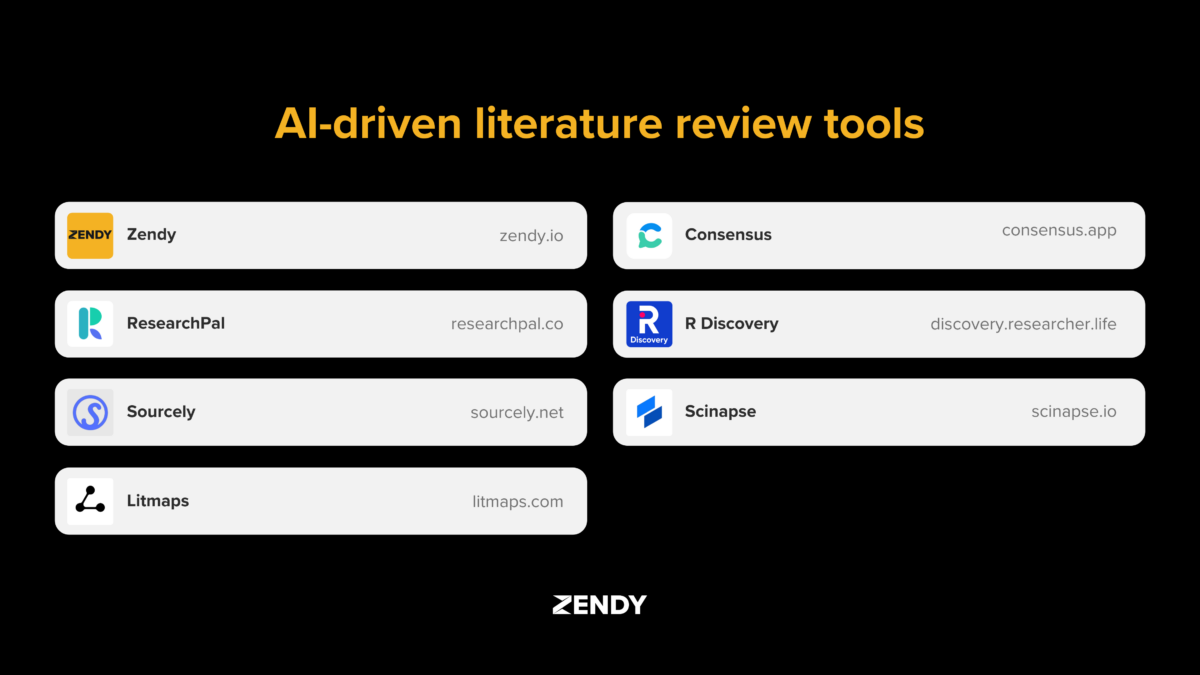
Litmaps, ResearchPal, Sourcely, Consensus, R Discovery, Scinapse.io
Each AI literature review platform has its own approach and strengths. Here’s how they compare:
This comparison helps identify which tool might work best for specific research needs or workflows.
Key Features To Consider Before Choosing A Tool
When selecting an AI tool for literature reviews, certain features matter more depending on your research goals.
AI Summaries And Recommendations
AI summaries help researchers quickly understand papers without reading the full text. The quality varies between platforms—some provide basic topic overviews while others offer detailed analysis.
Look for tools that accurately capture the main points without misrepresenting findings. The best platforms let you adjust summary length and focus on specific sections like methodology or results.
For example, Zendy’s AI summarisation processes the full text and highlights key concepts, making it easier to determine if a paper is relevant to your research.
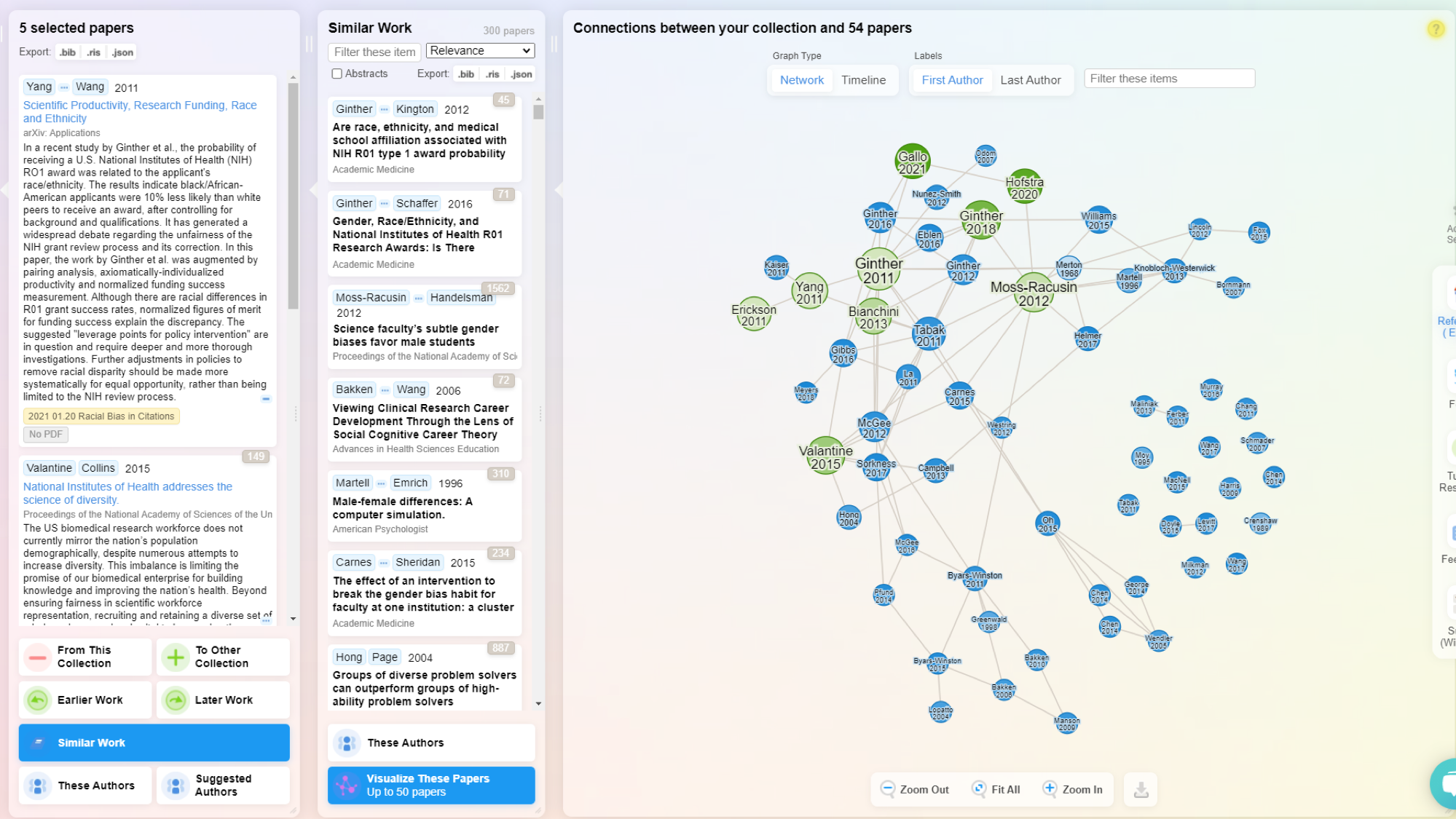
Visual Discovery Or Concept Mapping
Visual tools show relationships between papers, authors, or topics through interactive maps or graphs. These visualisations help identify research gaps and understand how ideas connect.
This feature is particularly valuable when:
Starting research in a new field
Tracking how concepts have evolved over time
Identifying influential papers or authors
Finding unexplored connections between topics
Tools like Litmaps excel at showing citation networks, while others focus more on conceptual relationships.
Personalised Research Feeds
Personalised feeds suggest new papers based on your research interests and reading history. These recommendations become more accurate as you interact with the platform.
Most systems need time to learn your preferences. The more you use them, the better they become at finding relevant content.
These feeds help researchers stay current with new publications without manually searching multiple databases. They’re especially useful for ongoing projects or keeping up with rapidly evolving fields.
Cost, Freemium Or Institutional Access
Cost considerations vary depending on your situation:
Students might prefer free or low-cost options
Professional researchers may need more comprehensive tools
Teams benefit from platforms with collaboration features
Institutions look for broad access at reasonable rates
Many platforms offer free trials or basic plans with limited features. This lets you test their functionality before committing to a subscription.
Institutional access through universities or research organisations often provides the best value, giving you full features at a reduced cost.
Why Researchers Choose Zendy For Literature Reviews
Researchers select Zendy because it combines comprehensive content access with practical AI tools that streamline the literature review process.
The platform offers both open access and paywalled content, making it valuable for independent researchers without institutional affiliations. This accessibility is particularly important in regions where academic resources are limited.
ZAIA, Zendy’s AI assistant, answers research questions directly, saving time compared to manual searching. The summarisation tool condenses long papers into readable overviews, helping researchers quickly determine which studies are most relevant.
You will appreciate the intuitive interface that requires minimal training. The reading list feature helps you organise sources by topic, making it easier to track and cite references later.
Researchers from diverse fields find value in Zendy:
Medical professionals use it to prepare for conferences and stay current with new treatments
Students rely on it for thesis research and course assignments
Independent scholars access academic content without institutional subscriptions
Faculty members find sources across disciplines for interdisciplinary projects
The platform’s global availability in over 200 countries supports Zendy’s mission of reducing barriers to knowledge access.
Moving Forward With AI-Driven Research And Discovery
AI is changing how researchers approach literature reviews. These tools are becoming essential for managing the growing volume of academic publications.
The future of academic research tools will likely include more sophisticated analysis capabilities. Current AI literature review tools already help find and summarise content, but newer systems will better identify research gaps and suggest connections between seemingly unrelated fields.
For researchers new to AI literature review tools, starting with a clear research question helps focus the search process. Testing different platforms with the same query can reveal which one works best for your specific needs.
Zendy offers a combination of AI-powered discovery, summarisation tools, and broad content access. You can explore the platform at zendy.io.
Looking ahead, we can expect:
More accurate full-text summarisation across different fields
Better support for non-English research materials
Improved citation analysis and validation
Greater integration with writing and publishing tools
These developments will continue to make the research process more efficient while maintaining academic rigour.
How do AI literature review tools handle non-English content?
Most AI literature review platforms primarily support English content, with some offering limited capabilities for major European and Asian languages. Translation features vary widely between platforms.
What data privacy protections do these platforms offer when analysing research documents?
Leading platforms maintain privacy policies that prevent sharing uploaded documents and use anonymised data only for improving AI models. Always review each platform’s specific privacy terms before uploading sensitive research.
Which AI literature review tools offer institutional subscription options?
Zendy, Litmaps, and R Discovery provide institutional plans with multi-user access and administrative controls, making them suitable for universities and research departments.
AI tools for students are becoming a common part of how students find, read, and understand academic information. These tools are designed to help make research faster, more organised, and easier to manage. As more students rely on digital platforms for learning, AI plays a growing role in academic environments.
AI tools for students are a specific type of AI tool built to support academic work. They can search through large databases of scholarly content, find relevant papers, summarise complex texts, and help manage citations. Unlike general AI tools, they are trained to focus on academic literature and research tasks.
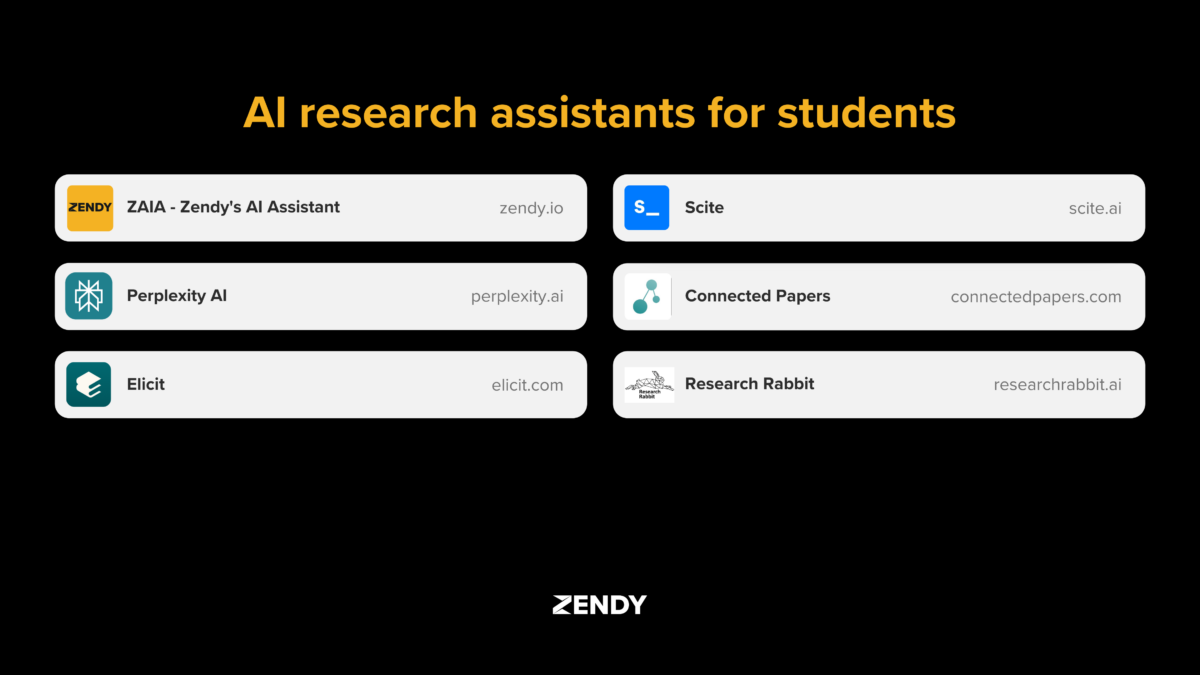
This article lists the top AI research assistants students are using in 2026, including tools like ZAIA, Elicit, Perplexity AI, Research Rabbit, Scite, ChatGPT, and Connected Papers. Each one serves a different purpose within the research process. The goal is to help students understand what these tools do and how they support academic research.
Why AI Research Assistants Are Essential for Students
Many students struggle with research challenges like limited access to academic journals, difficulty understanding complex language, and spending too much time searching for relevant papers. AI assistants address these issues by providing simplified summaries and streamlining the search process.
These tools are part of a growing trend in AI research for students. They work within AI research libraries to help students access quality academic content without needing special access or advanced research training.
6 Powerful AI Tools for Academic Success
ZAIA
ZAIA is an AI assistant integrated into Zendy’s academic library. It gives students access to millions of research articles across different subjects.
What makes ZAIA stand out is how it simplifies complex academic content:
1. Answers Research Questions
You can ask ZAIA anything about a paper, topic, or concept.
Example: “What is the main finding of this study?” or “Explain this in simpler terms.”
2. Summarises Academic Papers
Provides quick, clear summaries of long or complex research articles.
Tailors responses to students, researchers, or professionals.
3. Explains Technical Terms
Breaks down jargon, statistics, and methodology into plain language.
4. Generates Insights from PDFs
Upload a paper and ask ZAIA for:
Key takeaways
Strengths and weaknesses
Implications of the research
5. Guides Literature Review
Suggests related topics or authors.
Helps formulate research questions.
A student working on a climate change project can upload journal articles and quickly extract the main findings without reading the entire paper. ZAIA connects to scholarly databases, providing access to both free and subscription-based academic content.
Its main strength is making literature reviews faster by delivering focused results with verified references.
Elicit
Elicit specialises in literature reviews. It searches academic databases to find papers related to specific research questions.
Here’s what Elicit best for:
1. Finds Relevant Papers from Semantic Scholar
You can ask a research question (e.g. “What are the effects of mindfulness on anxiety?”), and Elicit returns papers that answer or relate to that question, even if they don’t use the exact same wording.
It pulls from Semantic Scholar’s open-access database.
2. Extracts Key Information from Papers
Elicit automatically pulls out:
Abstracts
Sample sizes
Interventions
Outcomes
Methods
This helps researchers quickly compare and understand multiple studies.
3. Supports Literature Review Workflows
You can organise papers into a table.
Customise what columns you want (e.g. population, findings, study design).
Useful for identifying patterns, gaps, or summaries across studies.
4. Other Features:
Brainstorm hypotheses and related questions
Suggests relevant variables or search terms
Summarises findings
Limitations:
It only accesses open-access papers, mostly from Semantic Scholar.
Less effective for very recent, niche, or paywalled research.
Elicit offers a free version with basic features and paid plans starting at $12/month. Its key advantage is evidence synthesis, comparing findings across multiple studies in an organised way.
Perplexity AI
Perplexity AI works like a smart search engine that answers questions with sources. Students can ask complex questions in everyday language instead of searching with keywords.
The tool shows citations alongside its answers, making it easy to check where information comes from. It’s available for free, with a Pro version offering additional features.
Perplexity AI excels at handling complicated questions in natural language, making it helpful for exploring new topics or getting quick, sourced answers for assignments.
Research Rabbit
Research Rabbit creates visual maps showing how academic papers connect to each other. This helps students see relationships between studies, authors, and topics.
By entering one paper you already know about, Research Rabbit generates a map of related research. This visual approach helps discover papers you might miss with regular searches. Its core features are:
AI-Powered Paper Discovery
Suggests new papers based on your library and reading habits—using citation networks and topic similarity.
Interactive Citation Maps
Visualises relationships between papers (citing, cited, similar), and co-author networks in node‑and‑edge maps.
Personalised Feeds & Alerts
Delivers updates when new papers related to your collections or authors are published, without spam.
Collaborative Libraries
Enables sharing collections, commenting, and collaborating, supporting teamwork and peer exploration.
Reference Manager Integration
Syncs with Zotero, Mendeley, etc., making it easy to import/export your research
The tool also offers personalised paper recommendations and allows sharing collections with classmates or professors. It’s especially useful for understanding how academic conversations have developed over time.
Scite
Scite analyses how research papers are cited by others. This helps students evaluate a paper’s credibility by seeing how the academic community has responded to it. For example, a paper with many contrasting citations might have contested findings.
Scite features:
1. Smart Citations
Scite shows how a paper is cited, not just that it’s cited.
It categorises citations into:
Supporting (agreeing with the findings)
Contrasting (disagreeing with the findings)
Mentioning (neutral reference)
This gives a clearer picture of a paper’s credibility and influence.
2. Citation Statements in Context
You can see the actual sentence in which another paper cited the one you’re reading, making it easier to understand how and why it was cited.
3. Research Discovery
Scite helps users find high-quality, debated, or under-reviewed papers by showing citation patterns.
You can also explore citation networks and related works.
4. Scite Assistant
A chatbot-style AI that helps you ask questions and discover relevant research based on Scite’s citation database.
5. Research Dashboards & Reports
Used by universities and institutions to analyse research impact, identify experts, or track fields of study.
Scite is particularly valuable for checking if a source is reliable before using it in an assignment. Students can access it through individual or school licenses.
Connected Papers
Connected Papers creates visual graphs showing relationships between research papers. By entering one paper, students get a map of related studies.
This tool helps find:
Visual Graph Mapping
Builds an interactive graph where each node represents a paper.
Node size reflects citation count; colour shading shows publication year
Spatial layout shows conceptual similarity—not direct citations—clustered accordingly
Prior & Derivative Works
“Prior works” highlights foundational studies cited by the cluster.
“Derivative works” surfaces newer papers citing multiple cluster members
Multi‑Origin Graphs
Add additional seed papers to explore intersections across multiple topics
Export Options
Export bibliographic data (e.g., BibTeX) directly for reference managers
Connected Papers is free to use, but doesn’t cover every academic journal. Its strength is helping students understand the structure and history of a research topic through visual connections.
How to Choose the Right AI Assistant for Your Needs
Different AI research assistants work better for specific tasks. Here’s a simple guide to help you pick the right tool:
Task
Best Tools
Why
Literature review
ZAIA, Elicit
Search across academic sources with summaries
Quick answers
Perplexity AI
Conversational interface for fast results
Checking source reliability
Scite
Shows how papers are cited by others
Finding related papers
Research Rabbit, Connected Papers
Visual maps of connected research
Your budget also matters when choosing a tool. Research Rabbit and Connected Papers are completely free. Perplexity AI offers free versions with premium options. ZAIA, Elicit, and Scite have both free features and paid plans with more capabilities.
For students with limited funds, combining free tools can work well. For example, use Connected Papers to discover papers, then use ZAIA to summarise them.
Addressing Credibility and Source Reliability
When using AI research assistants, checking the reliability of information is important. Not all AI tools verify their sources equally well.
To check AI-generated information:
Look for the original source citation
Verify the source exists in academic databases
Confirm the AI accurately represented the source
Some tools focus more on peer-reviewed content than others. ZAIA connects directly to academic databases with verified research. Elicit provides supporting quotes from papers. Scite shows how papers are cited in other academic work.
For academic writing, it’s essential to verify any citations an AI provides. Check that the publication exists, the authors are real, and the information matches what the AI claimed. This helps maintain academic integrity while still benefiting from AI assistance.
Time-Saving Strategies With AI Research
AI research assistants can significantly reduce the time spent on academic tasks. Here are some effective combinations of tools:
For a literature review, try this workflow:
Use Connected Papers to identify key papers in your field
Import those papers into Elicit to extract main findings
Use ZAIA to summarise complex papers you need to understand deeply
This approach can reduce initial research time by focusing your reading on the most relevant materials.
Semantic search, used in tools like ZAIA, finds results based on meaning rather than exact keywords. This helps find relevant papers even when they use different terminology. Traditional keyword search only finds exact matches, often missing important related research.
AI summarisation tools extract the main points from research papers, allowing you to review more papers in less time. This is especially helpful when deciding which papers to read in full.
Integrating AI Tools Into Your Research Process
AI research assistants work alongside traditional research methods, they don’t replace them. These tools help find and organise information, but students still need to read key papers and form their own understanding of the topic.
Many AI tools connect with citation managers like Zotero, EndNote, or Mendeley. This allows seamless transfer of references and citations between systems, keeping your bibliography organised.
For group projects, some tools support collaborative research. Students can share collections of papers, AI-generated summaries, and notes with team members. This helps maintain consistent understanding across the group.
A simple way to incorporate AI into your research:
Define your research question
Use an AI tool to find relevant papers
Summarise key papers using AI features
Export citations to your citation manager
Organise findings by themes or relevance
Empower Your Research Journey
AI research assistants help students complete academic work more efficiently. They summarise papers, find relevant sources, organise citations, and show connections between studies, reducing time spent on repetitive tasks.
These tools support but don’t replace critical thinking. Students still evaluate sources, check accuracy, and form arguments based on evidence. The AI handles information processing, while students focus on understanding and analysis.
The field of AI in academic research continues to develop. Future improvements may include better real-time collaboration, analysis of content in multiple languages, and more personalised recommendations based on your research interests.
Zendy offers a comprehensive research platform that combines AI tools with access to a large academic content library. Its features include summarisation, keyphrase highlighting, and citation organisation, all designed to make research more accessible and efficient.
FAQs About AI Research Assistants
Which AI research assistants work well for students with limited budgets?
Research Rabbit and Connected Papers are completely free. Perplexity AI offers a robust free version with its core features. Zendy provides affordable access to both free and subscription-based academic content through its platform.
How do these AI tools handle different academic subjects?
Coverage varies by tool. Elicit works well for science and medicine, while Connected Papers and Research Rabbit cover most academic fields. Some tools may be less effective for humanities or theoretical subjects where research is more conceptual.
Can AI research assistants access subscription-based academic journals?
Most free AI tools only search publicly available sources. Zendy provides access to subscription-based academic literature at a lower cost through partnerships with publishers, making paywalled content more accessible to students.
Are citations from AI research assistants always accurate?
No. Citations from AI tools should always be verified. Some tools may generate incorrect references or misinterpret sources. It’s important to check citations against original sources or academic databases before including them in your work.
Many students and researchers today use artificial intelligence (AI) to help improve their writing. These tools are not only for checking spelling or grammar, but they can help organise ideas, improve sentence structure, and manage citations.
Writers working on research papers often spend extra time editing and citing sources correctly. AI writing assistant tools are designed to support those specific tasks by using advanced language technology.
In this article, we explore how AI writing assistant tools like PaperPal, Jenny.AI, Aithor, Wisio.app, Trinka AI, and Grammarly work. Each tool offers a different approach to writing assistance, depending on what kind of research you are doing and what stage you are in.
What are AI Writing Assistant Tools
AI Writing Assistant Tools are software applications that utilise artificial intelligence to enhance writing. They analyse text using machine learning and natural language processing (NLP), which allows them to detect issues with grammar, tone, structure, and clarity.
Natural language processing is a type of AI that helps computers understand and generate human language. This technology allows writing assistants to do more than just catch spelling errors, they can suggest rewording, offer synonyms, and help improve sentence flow.
Early writing tools mainly checked for spelling and punctuation. Over time, they evolved into systems that assist with academic writing, including literature reviews, paper organisation, and citation formatting.
Main benefits of AI writing assistant tools:
Time Efficiency: These tools speed up writing by suggesting edits and checking grammar in real time.
Language Enhancement: They improve sentence structure and formal tone for academic audiences.
Citation Management: Many tools generate citations and apply citation styles automatically.
Research Workflow: Some AI writing assistant tools help structure research papers by suggesting outlines.
Comparing Key Research Writing Assistants
The table below compares six AI writing assistant tools used in academic research:
Tool Name
Best For
Key Features
Free Version
PaperPal
Journal submissions
Journal formatting, grammar checks
Yes
Jenny.AI
Drafting academic content
AI autocomplete, citation generator
Yes
Aithor
Structured drafting
Plagiarism detection, writing suggestions
Yes
Wisio.app
Peer-reviewed feedback
Human and AI editing, multilingual support
Limited
Trinka AI
ESL academic writing
Technical term support, citation formatting
Yes
Grammarly
General writing
Grammar checks, browser integration
Yes
Language Enhancement Capabilities
Each tool approaches grammar, tone, and style differently:
PaperPal: focuses on academic publishing with discipline-specific language suggestions.
Jenny.AI: offers real-time assistance through AI autocomplete for academic writing.
Aithor: helps users draft content with tone guidance and structure prompts.
Wisio.app: provides detailed editorial feedback tailored to scientific writing.
Trinka AI: helps non-native English speakers with academic tone corrections.
Grammarly: covers general grammar improvements but adapts to academic contexts.
Research Focused Features
These tools support research writing in different ways:
PaperPal: supports journal-specific formatting and citation checks.
Jenny.AI: generates in-text citations and formats reference lists.
Aithor: detects unoriginal content and suggests better source integration.
Wisio.app: allows collaborative editing with structured feedback.
Trinka AI: identifies missing citations and formats according to style guides.
Grammarly: includes basic citation suggestions and plagiarism detection.
PaperPal
PaperPal is an AI writing assistant tool that mostly focuses on helping researchers prepare academic manuscripts. It is designed to support you with the process of submitting papers to journals by ensuring that writing meets formatting and language requirements.
The tool includes journal-specific formatting options. This allows researchers and students to format their papers according to the guidelines of a selected journal, including structure, citations, and reference styles.
It also provides language support for technical writing by identifying discipline-specific terminology and suggesting corrections to align with academic tone and clarity.
Key features:
Journal Compatibility: Matches manuscript formatting to journal guidelines, including citation style.
Technical Language Support: Refines field-specific vocabulary and academic phrases.
Integration Capabilities: Connects with research tools like Overleaf and Word.
Jenni AI
Jenni AI helps with research-based writing tasks. It drafts academic content, manages citations, and supports the structure of academic arguments.
The platform generates text based on prompts or uploaded documents. It works with academic papers and uses AI to build sections of content that align with your topic.
Jenni AI also includes citation tools that format references in over 1,700 styles. You can save sources in a library and insert citations directly into your draft while writing.
Key features:
AI-Powered Drafting: Generates academic content from prompts or uploaded research.
Citation Integration: Supports in-text citations and reference management in multiple formats.
Collaborative Features: Enables group access to shared libraries and drafts.
Aithor
Aithor supports the academic writing process while helping maintain originality and proper writing practices.
It checks for unoriginal content by comparing written text against existing sources. This helps users revise their work to reduce overlap and avoid academic misconduct.
The platform allows users to add scholarly sources into their documents with an interface for inserting citations and generating references using common academic styles.
Key features:
Original Content Generation: enhances your writing without compromising your originality
Academic Integrity Tools: Flags duplicated phrases and offers paraphrasing suggestions.
Research Integration: Adds peer-reviewed sources and formats them according to guidelines.
Wisio App
Wisio supports academic collaboration by helping researchers work together on documents and improve their work through structured feedback.
The platform includes systems for reviewers to leave targeted comments on drafts. These comments are organised to help writers identify issues with clarity, logic, or formatting.
It also includes tools for managing research projects with task assignments, progress tracking, and draft organisation. Multiple users can edit documents at the same time, seeing changes in real time.
Key features:
Feedback System: Enables structured peer feedback with in-line comments.
Workflow Management: Supports task tracking and drafting stages for collaborative projects.
Collaborative Editing: Allows multiple users to edit a document simultaneously.
Trinka AI
Trinka AI supports writers who speak English as a second language (ESL). Its tools identify grammar and usage issues common among non-native speakers.
The platform recognises technical language from various academic fields such as engineering, medicine, and social sciences. It suggests corrections based on the context of the discipline.
Trinka also supports researchers preparing manuscripts for publication by checking for consistency with international journal standards, including formatting and language clarity.
Key features:
ESL Support: Offers grammar correction and formal language suggestions for non-native English writers.
Technical Terminology: Refines field-specific vocabulary across multiple disciplines.
Publication Standards: Evaluates manuscripts for compliance with journal requirements.
Grammarly
Grammarly helps users write with correct grammar, punctuation, and clarity. It works in academic, business, and casual writing by scanning text for errors and offering real-time suggestions.
For academic writing, Grammarly supports clarity and formal tone by identifying passive voice, informal phrasing, and awkward sentence structure. However, it does not provide research-specific features like citation formatting.
The tool works across emails, web browsers, word processors, and mobile apps. While helpful for basic academic editing, its focus is on general writing improvement rather than specialised research tasks.
Key features:
Universal Applications: Functions in Word, Google Docs, emails, and browsers.
Tone Adjustments: Offers suggestions to align writing with academic formality.
Integration Ecosystem: Works with Chrome, Microsoft Office, and email clients.
How to Choose the Right AI Writing Assistant for Your Research
Selecting an AI writing assistant depends on your specific academic task. Different tools support different aspects of the writing process.
Evaluating Your Writing Goals
Consider what you’re writing before choosing a tool:
For a thesis, look for long-form structuring and reference tracking.
For journal articles, check for journal-specific formatting and academic tone adjustments.
For grant proposals, find tools with outlining and collaborative editing features.
Some tools help generate initial drafts, while others focus on editing, formatting, and feedback.
Integrating AI With Existing Tools
AI writing assistant tools work best when they connect with other research tools. Check if the assistant works with reference managers like Zotero or EndNote to maintain accurate citations.
Many platforms integrate with word processors like Google Docs, Microsoft Word, or Overleaf. Others allow importing and exporting in formats such as .docx, PDF, or LaTeX.
Ensuring Academic Integrity
Using AI writing assistant tools raises questions about originality. These tools don’t replace human thinking but assist with language and formatting.
To use AI ethically:
Disclose AI use when required by your institution.
Review all AI-generated content manually for accuracy.
Revise AI-generated text before submission.
Empowering Research Writing and Next Steps
AI writing assistant tools have changed how academic writing is planned and processed. These tools help with grammar correction, citation formatting, and research workflow.
In the future, AI writing assistant tools will likely offer deeper integration with citation managers, research databases, and publishing platforms. Some may add voice input, multilingual support, and automatic journal formatting.
Access to reliable academic sources remains essential for these tools to function effectively. Platforms that provide full-text academic content allow AI writing assistant tools to generate accurate citations and summaries. Zendy offers one such environment by combining scholarly content with AI tools that support literature review and citation.
Discover how Zendy’s AI-powered research library can enhance your writing workflow at Zendy.io.
How do AI writing assistant tools maintain academic integrity?
AI writing assistant tools do not generate original research or ideas. They improve grammar, structure, and clarity, allowing the writer’s own thoughts and arguments to remain central.
Which AI writing assistant offers the best citation management?
PaperPal and Trinka AI include built-in tools for formatting citations in academic styles. Jenni AI supports over 1,700 citation formats and allows integration with reference managers.
Are free versions of these AI writing assistant tools sufficient for research?
Free versions include basic grammar checks but typically exclude advanced features like formatting, citation tools, or deep academic editing. Paid versions provide more comprehensive research support.
Can these tools help with discipline-specific terminology?
Trinka AI and PaperPal recognise subject-specific vocabulary in fields like medicine, engineering, and social sciences. They check for accuracy and consistency in technical language.